In today’s world, smartphones are essential, and the iPhone remains one of the most popular choices. But because of its premium price, many people turn to second-hand iPhones instead of buying brand new ones.
However, buying a used iPhone comes with risks. Without careful checks, you could end up with a faulty device or even a scam. This article covers things you should always check before buying a second-hand iPhone to ensure you get a safe and worthwhile deal.
1. Verify IMEI and Serial Number
- Go to Settings > General > About
- Note the IMEI and Serial Number
- Match them with the numbers on the box (if available) or SIM tray
- Check on Apple’s official site: checkcoverage.apple.com
Tip: If the info doesn’t match or cannot be verified, avoid the purchase.
2. Ensure the iPhone is Not iCloud Locked
An iCloud lock means the phone is still tied to the previous owner’s Apple ID. You won’t be able to use it properly without their credentials.
- Confirm the device is signed out of Apple ID
- Reset the device — there should be no request for the previous owner’s Apple ID
3. Inspect Physical Condition
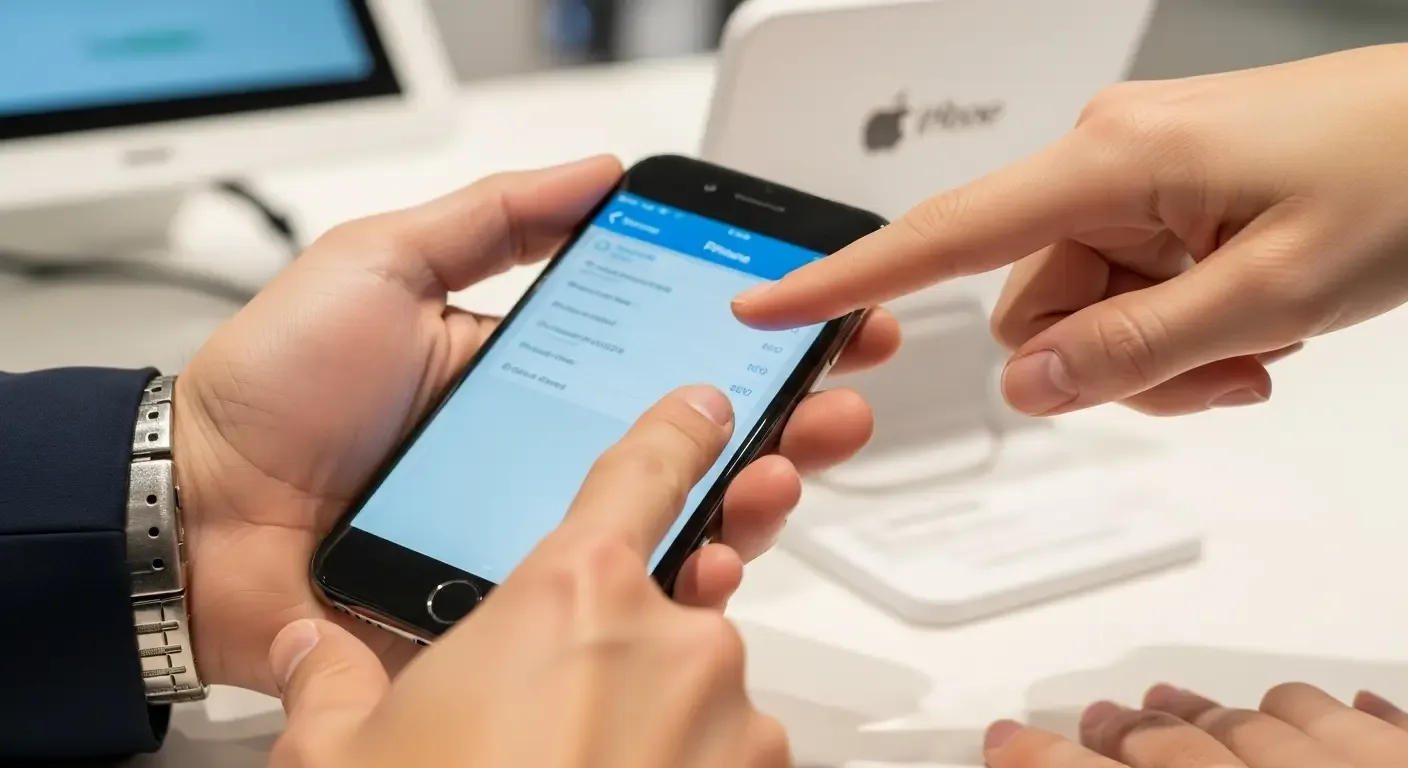
- Screen: Check for cracks, touch responsiveness, and dead spots
- Cameras: Front and back should be clear, no fog or black spots
- Buttons: Test Home, Power, and Volume buttons
- Ports & Speakers: Ensure charging port is clean and speakers work
- Body: Look for dents, bends, or signs of major drops
4. Test Basic Functions
- Make test calls (in/out)
- Check Wi-Fi and cellular connectivity
- Use cameras for photo/video recording
- Test sensors (auto-rotate, Face ID, Touch ID)
- Play audio to test speakers and microphone
5. Check Battery Health & Repair History
- Go to Settings > Battery > Battery Health
- Avoid devices with battery capacity under 85%
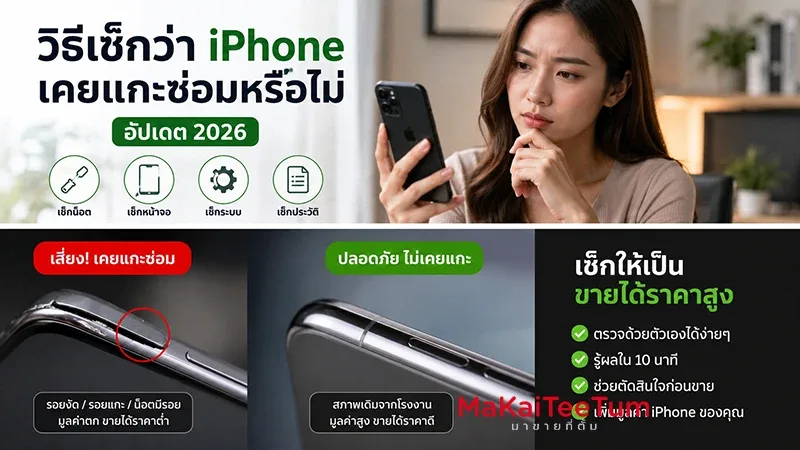
- Ask if parts were replaced or repaired — non-authorized repairs may cause future issues
6. Watch Out for Fake or Assembled Devices
- Modified imports with non-original parts
- Frankenstein devices assembled from multiple iPhones
- Fake warranty/claim units posing as official replacements
Always check with Apple’s site and request proof of purchase from the seller.
7. Ask for Proof of Purchase or Warranty (if possible)
Having an invoice, receipt, or warranty record helps ensure the phone isn’t stolen and provides peace of mind for resale or service later.
8. Buy From Trusted Sources
- Reputable second-hand shops with good reviews
- Platforms with buyer protection (Shopee, Lazada, etc.)
- Avoid shady meetups or advance payments without verification
9. Research Market Price
- Compare prices from multiple sources
- Be cautious of deals that are too cheap — could be a scam
FAQ
Q: Is it safe to buy second-hand iPhones online?
A: Yes, if you use trusted platforms with guarantees. Avoid direct transfers without verification.
Q: How to check if an iPhone is stolen?
A: Ask for receipts, and check IMEI on databases like IMEI.info to see device status.
Q: What’s the ideal age for a second-hand iPhone?
A: Preferably less than 2–3 years old, so it still supports iOS updates and reliable hardware.
Conclusion
Buying a second-hand iPhone can save money, but only if you check it properly. From verifying IMEI and iCloud status to testing hardware and buying from trusted sellers, these steps help you avoid scams and get the best value. Do your due diligence, and you’ll end up with a safe, functional iPhone at a fair price.