Face ID not working after a screen replacement is a common issue among iPhone users, especially when the repair is done outside of Apple Authorized Service Providers. This article explains the causes behind this problem and how to resolve it safely.
What is Face ID and How Does It Work?
Face ID, first introduced with the iPhone X, uses Apple’s TrueDepth camera system—made up of the infrared camera, flood illuminator, and dot projector—to create a 3D facial map. It offers advanced security with only a 1-in-a-million chance of being tricked.
Because Face ID hardware is tightly paired with the iPhone’s motherboard, any disruption during repair may cause it to stop functioning.
Why Does Face ID Fail After Screen Replacement?
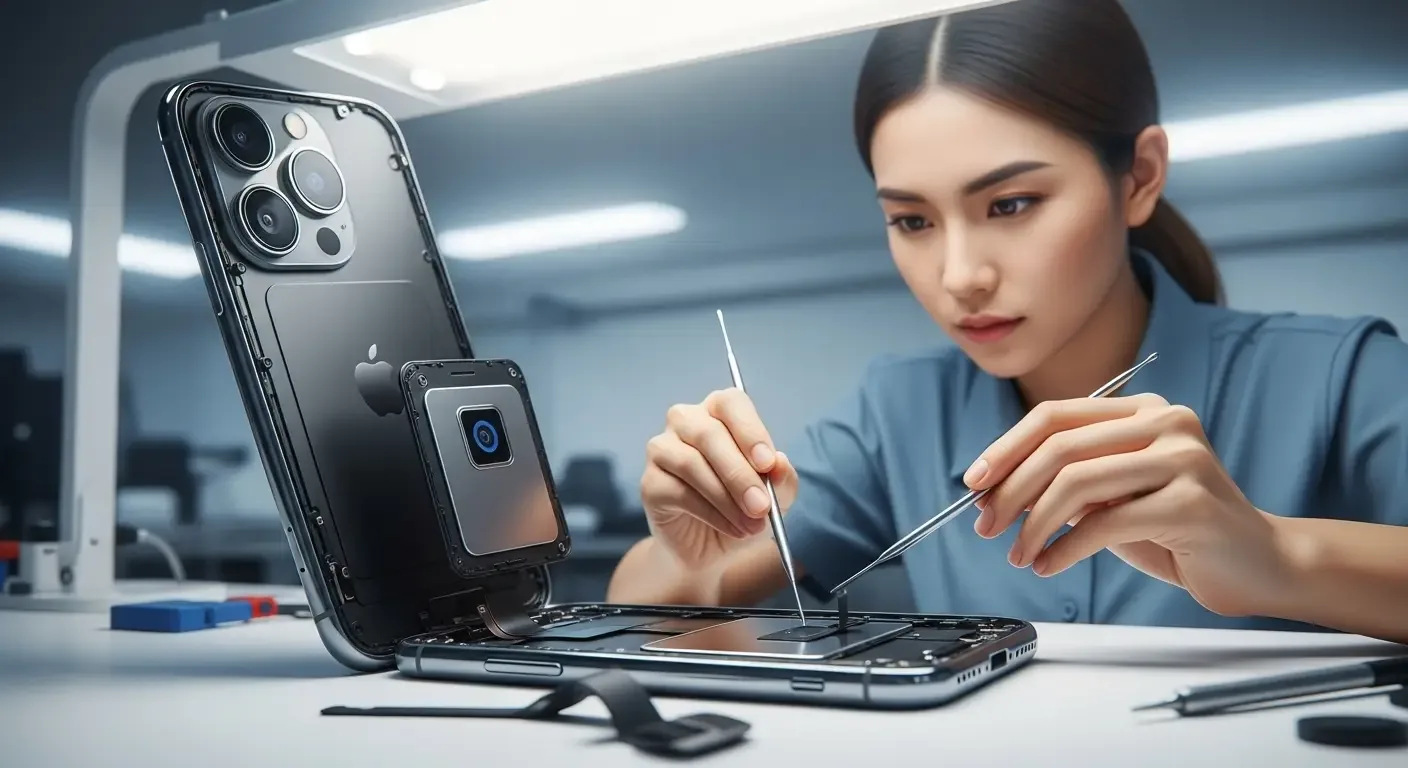
- The repair shop did not properly transfer the original Face ID sensor to the new screen
- TrueDepth camera components became disconnected or damaged during repair
- The replacement display is low quality or not Apple-certified
- Apple pairing tools were not used to link components correctly
Initial Fixes You Can Try
1. Restart the iPhone
Restarting helps reload hardware connections that may not have reset after repair.
2. Confirm Sensor Transfer
Ask the repair shop if they reinstalled the original Face ID module. If not, Face ID will not work with a new module.
3. Reset Face ID
Go to Settings > Face ID & Passcode > Reset Face ID and set it up again.
4. Update iOS
Check Settings > General > Software Update. Some bugs are resolved in newer updates.
When DIY Fixes Don’t Work
If Face ID still doesn’t function, the TrueDepth hardware must be checked by a professional.
- Return to the repair shop and ask them to verify sensor installation
- Visit an Apple Authorized Service Provider (AASP) for proper hardware pairing
- If sensors are damaged, a full motherboard replacement may be required (often costly, especially for older models)
How to Prevent This Problem in the Future
- Use only certified repair centers experienced with TrueDepth transfers
- Avoid low-quality third-party displays
- Always test Face ID immediately after repair
FAQ
Q: Do I need to replace the screen again if Face ID doesn’t work?
A: Not necessarily. If the original sensor module wasn’t properly transferred, a technician may be able to reinstall or repair it.
Q: Can Face ID be replaced entirely?
A: No. Face ID modules are uniquely paired to the iPhone motherboard. Only the original hardware will work.
Q: Is it safe to attempt DIY screen replacement?
A: High risk. Without specialized tools, you may permanently damage the TrueDepth system.
Q: Can updating iOS fix Face ID issues?
A: Sometimes, but only if it’s a software glitch. If hardware pairing failed, updates won’t solve it.
Conclusion
Face ID not working after screen replacement usually results from improper transfer of the TrueDepth camera system or hardware mismatch. The safest fix is to have the phone inspected by qualified technicians or an Apple Authorized Service Provider. This ensures security and restores full functionality of your iPhone.