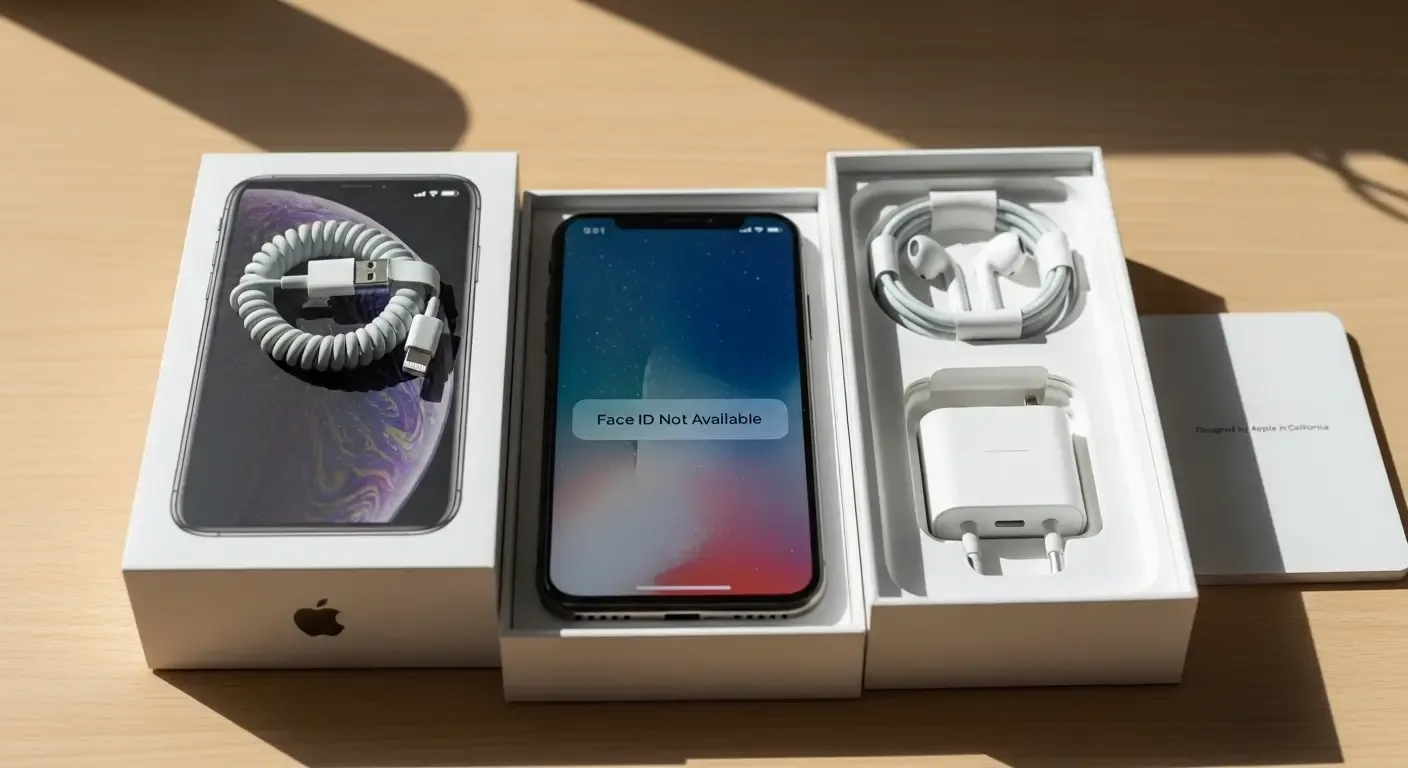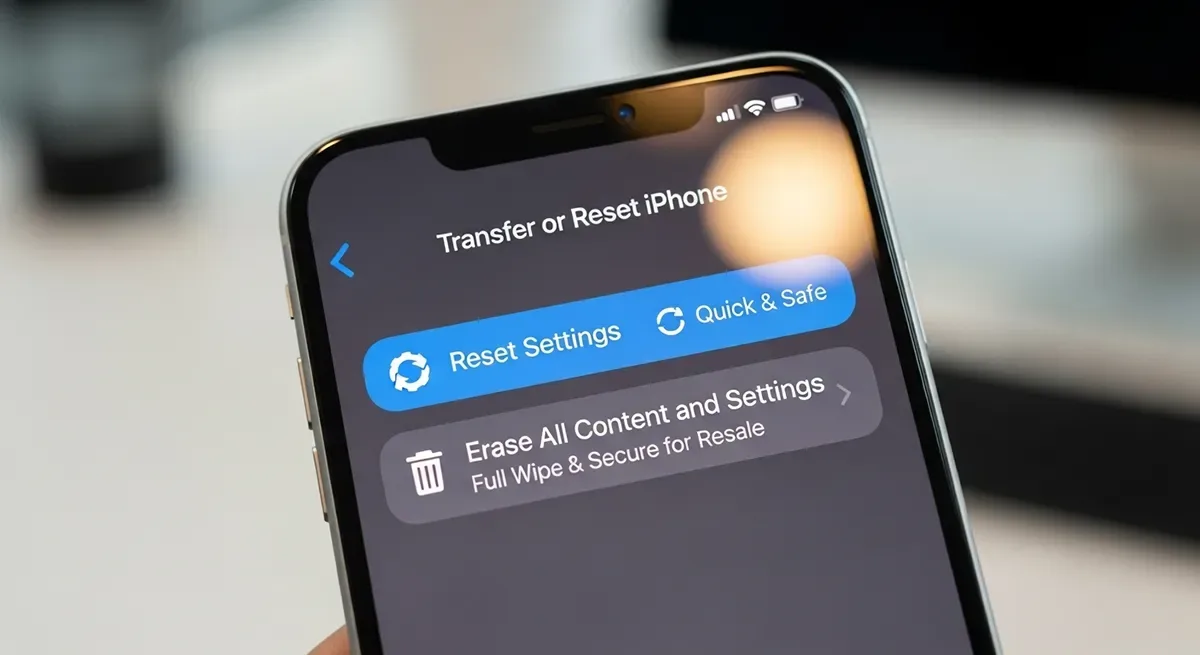
Before selling or giving away your old iPhone, you may wonder whether it’s enough to simply Reset Settings or if you should perform a full Factory Reset (Erase All Content and Settings). This guide explains the difference, the pros and cons of each option, and the safe steps you need to take to protect your personal data.
Understanding iPhone Reset Options
1. Reset Settings
This option resets system settings back to factory defaults, including Wi-Fi, Bluetooth, display, and sound preferences. Your personal data, apps, photos, and files remain intact.
2. Factory Reset (Erase All Content and Settings)
This process completely wipes the iPhone, removing all apps, photos, messages, settings, and the linked Apple ID. It restores the device to its factory state — the recommended option before selling or transferring ownership.
Detailed Comparison
| Feature | Reset Settings | Factory Reset |
|---|---|---|
| Data on device | Remains intact | Completely erased |
| Apple ID | Still signed in | Removed (if password is entered) |
| Best for | Fixing minor issues | Selling or giving away |
| Time required | Quick (under 2 minutes) | Several minutes or longer |
How to Safely Factory Reset Your iPhone
1. Backup Your Data
Always back up your data before wiping the device. Use iCloud or a computer to save your information for the new iPhone.
- Go to Settings > Apple ID > iCloud > iCloud Backup
- Turn on iCloud Backup and tap Back Up Now
2. Sign Out of Apple ID
This prevents Activation Lock issues for the new owner:
- Go to Settings > Apple ID > Sign Out
- Enter your Apple ID password to confirm
3. Erase All Content and Settings
- Go to Settings > General > Transfer or Reset iPhone
- Select Erase All Content and Settings and follow the prompts
Things to Check Before Resetting
- Backup your data — erased data cannot be recovered without a backup
- Sign out of all accounts — Apple ID, iMessage, iCloud
- Remove SIM card — especially if prepaid or storing personal info
FAQ
Q: Is Reset Settings enough if I want to sell my iPhone?
A: No. Reset Settings does not remove personal data. Always use Erase All Content and Settings before selling.
Q: Will my Apple ID remain after a Factory Reset?
A: If you don’t sign out first, Activation Lock will remain, preventing the new user from setting up the device.
Q: Can erased data be recovered?
A: No, unless it was backed up beforehand. A factory reset permanently deletes all data.
Conclusion: Choose Wisely for Your Safety
Reset Settings is useful for fixing small issues, but Factory Reset is the only safe option before selling your iPhone. Back up your data, sign out of Apple ID, and erase the device completely to ensure your personal information stays private and the phone is ready for its next owner.
Tip: Once the device is wiped, consider comparing resale and trade-in options online or at authorized stores to get the best value for your old iPhone.