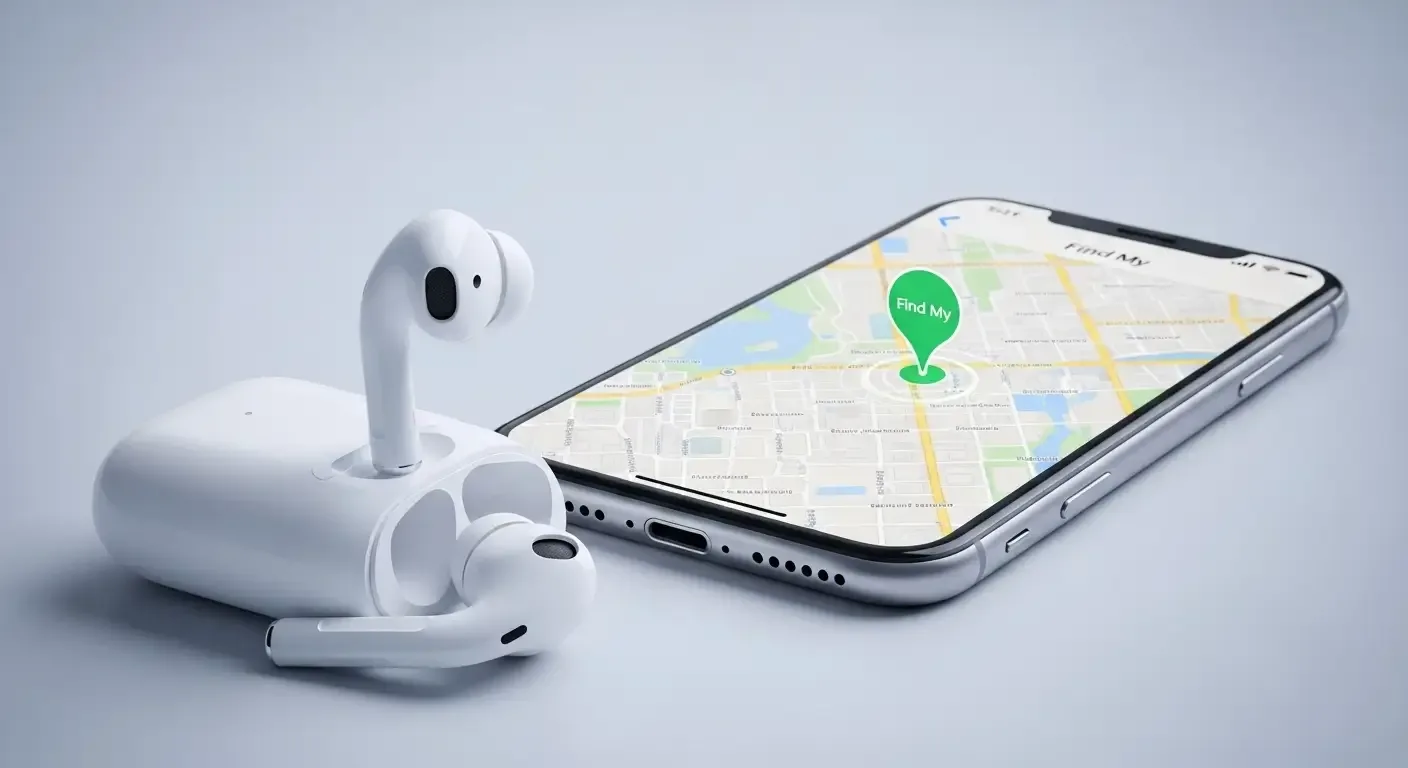
Many people have experienced losing their AirPods—whether left on your desk, at a coffee shop, or even under a pillow at home. Fortunately, Apple has improved the Find My app to be your essential tracking assistant. In this article, we’ll explore every feature that helps locate AirPods, including the latest technology such as Precision Finding and separation alerts, so you’ll never miss a way to protect your favorite device.
Prepare Before It Happens: Set Up Find My in Advance
Before you lose your AirPods, setting up Find My is extremely important. It enables your AirPods’ location to be tracked even when offline or beyond Bluetooth range.
1. Connect AirPods to iCloud
When you pair your AirPods with an iPhone or iPad signed in with your Apple ID, the device is automatically added to your Find My account. You can then locate them directly on the Find My map.
2. Turn on Separation Alerts
One of the most recommended expert tips is enabling separation alerts for AirPods. It sends a notification when you leave your AirPods behind unintentionally. You can enable it in Find My → AirPods → Notify When Left Behind and even add trusted locations, such as your home or workplace, where alerts won’t appear.
Precision Finding
A standout feature introduced with AirPods Pro (2nd generation) is Precision Finding, which uses the UWB (Ultra Wideband) chip—U1 or U2—found in newer iPhones. It offers real-time distance and direction indicators to help you precisely navigate to your AirPods or charging case.
Here’s how it works: your iPhone detects UWB signals emitted from the AirPods or case and calculates their exact location within centimeters. It then provides on-screen arrows, vibrations, and audible cues to help guide you efficiently.
Lost Mode
If you can’t find your AirPods immediately, you can activate Lost Mode to assist someone who finds them in contacting you.
When Lost Mode is turned on, you can enter a phone number or email address that will appear on-screen if someone attempts to connect your AirPods. This message increases your chances of getting your device back.
Understanding the Find My Network
One of the reasons the Find My system is so powerful is because of the Find My network. It uses a crowdsourced system that relies on Bluetooth signals from other nearby Apple devices to help detect the latest location of your AirPods—even when they’re offline.
All data transmitted through this network is end-to-end encrypted, meaning no one—not even Apple—can see the actual location. This ensures top-level security and privacy.
Play a Sound from AirPods and the Case
Many AirPods models can emit a sound to help you find them more easily. This is especially useful if they’re nearby, as the beeping makes identifying their direction simple.
For AirPods Pro (2nd generation) and newer, the charging case itself can play a sound, unlike earlier models where only the earbuds could.
Comparison Table: Find My Features by AirPods Model
| AirPods Model | Precision Finding | Case Sound | Separation Alerts | Find My Network Support |
|---|---|---|---|---|
| AirPods 2 | Not supported | Not supported | Supported | Supported |
| AirPods Pro (1st generation) | Not supported | Not supported | Supported | Supported |
| AirPods Pro (2nd generation) | Supported (U1/U2) | Supported | Supported | Supported |
| Future AirPods | May support U2 or newer | Supported | Supported | Supported |
Extra Tips for Finding Your AirPods
- Open the Find My app and check the last location where your AirPods were online.
- If within Bluetooth range, play a sound to locate them.
- Use Precision Finding with compatible iPhones, such as iPhone 11 or newer.
- Activate Lost Mode if your AirPods are likely out of range.
- Don’t forget to include your name and contact details in Lost Mode to boost your chances of recovery.
FAQ
Q: If the AirPods battery is dead, can they still be found?
If the battery is empty, Find My will still show the last known location before disconnection, letting you start your search from there.
Q: Which iPhone models support Precision Finding?
Precision Finding works with iPhone 11 or later models, all equipped with a U1 or newer chip.
Q: Is the Find My network really secure?
Absolutely. All data is encrypted and anonymous. Apple or other users cannot identify who is helping with the location process.
Summary
Using Find My with AirPods not only helps you locate them when lost but also prevents potential mishaps effectively. With separation alerts, Precision Finding, and a secure Lost Mode, having everything set up in advance means you’ll never worry about misplaced AirPods again.