In an era where personal data privacy is increasingly important, many iPhone users are paying closer attention to how they manage private photos. Apple has designed features to protect user privacy at both the device and cloud levels. In this article, we’ll explore the ‘Hidden Album’ feature and how to strengthen protection with Advanced Data Protection for iCloud Photos, setting a new security standard for 2025.
Getting Started with the “Hidden Album” Feature
The Hidden Album is a built-in feature of the Photos app on iPhone and iPad that lets users easily hide selected photos from the main albums. These photos won’t appear in “Moments” or “Recents” but will instead be moved to an album called “Hidden.”
However, in the latest version of iOS 18, Apple has added extra protection so users can securely lock this album using Face ID, Touch ID, or a passcode. This ensures that only authorized users can access hidden photos with confidence.
Enhancing Security with “Locked Hidden Albums”
Locking the Hidden Album in iOS 18 is a key step toward better privacy. Apple has designed it so that users can enable or disable the lock for this album directly from system settings.
Steps to Enable the Hidden Album Lock Feature
- Open the Settings app
- Scroll down and select Photos
- Turn on “Use Face ID” or “Use Touch ID” to enable album locking
Once enabled, anytime you or anyone else tries to open the “Hidden” album, the system will require Face ID or Touch ID authentication first, ensuring strong privacy for your personal images.
Advanced Data Protection for iCloud: End-to-End Encryption for iCloud Photos
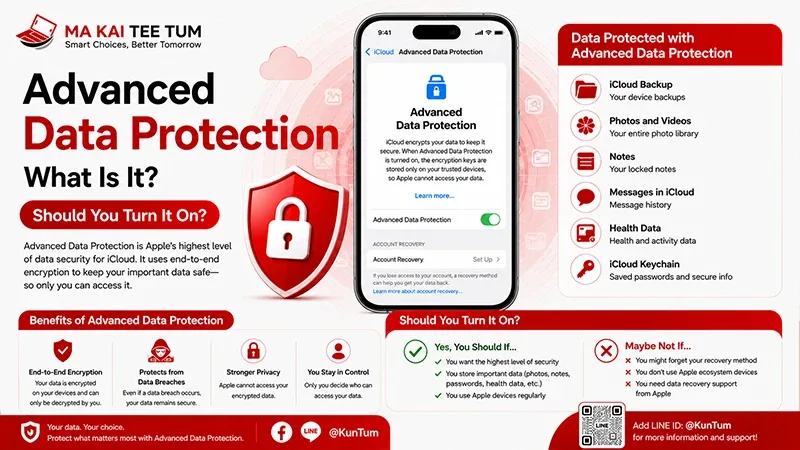
Apple introduced Advanced Data Protection for iCloud to take cloud data security to the next level using end-to-end encryption for sensitive information, including photos in iCloud Photos. This means only you can access these images.
When you enable Advanced Data Protection, even Apple cannot view or access the photos stored in your iCloud. This feature is expected to become a new standard in data privacy for users in 2025.
How iCloud Photos Works with Advanced Data Protection
When iCloud Photos is enabled, all photos—including those in the “Hidden” album—are automatically uploaded to iCloud. While this might raise privacy concerns, enabling Advanced Data Protection ensures those files are fully encrypted so no one, not even Apple, can see them.
Therefore, enabling iCloud Photos along with Advanced Data Protection is actually “safer” than disabling iCloud Photos completely, as you keep your backup benefits without compromising privacy.
Managing Private Photos Across Apple’s Ecosystem
The Apple Ecosystem is designed for smart sync functionality. This means that any settings you enable on your iPhone—such as unlocking or locking the “Hidden Album”—will automatically sync across your other devices like Mac, iPad, and even Apple Vision Pro.
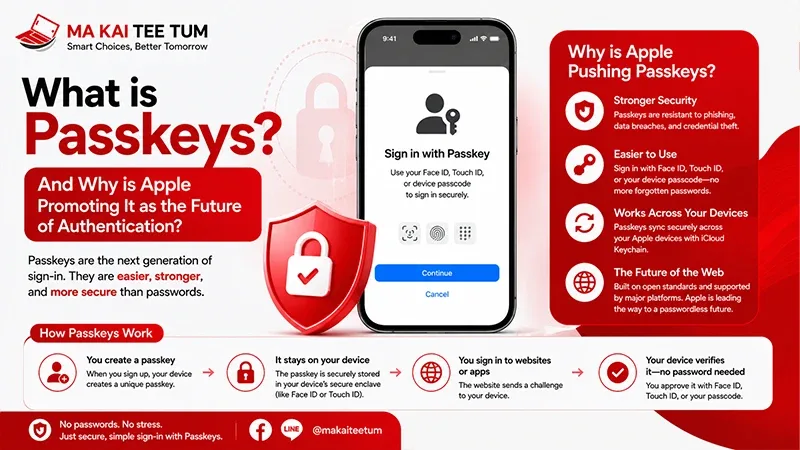
On a Mac, you can access the hidden album through the Photos app just like on an iPhone, where the system will require Face ID (via Touch ID or a Mac password) for authentication. On Vision Pro, viewing photos in the Hidden Album occurs within a secure 3D environment that uses iris scanning (Optic ID) for owner verification.
Additional Tips for Users
- Make sure your iPhone is updated to iOS 18 or later
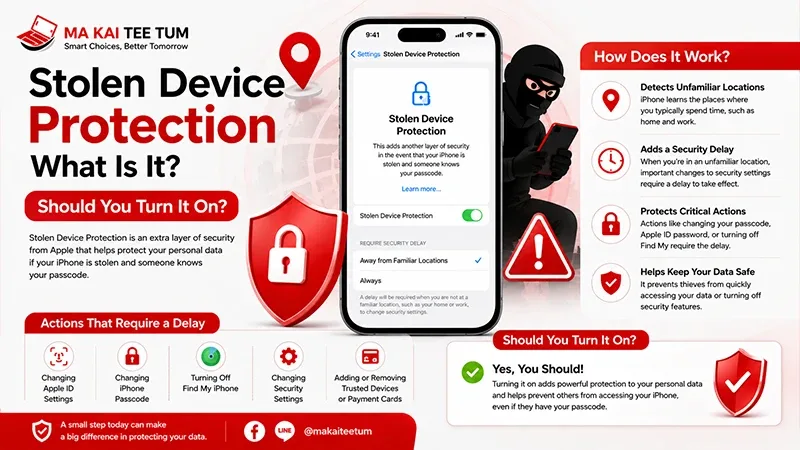
- Enable Face ID or Touch ID to prevent unauthorized access
- Turn on Advanced Data Protection to ensure all iCloud photos are securely encrypted
- Check your sync status across iPhone, iPad, Mac, and Vision Pro to ensure consistent security settings
FAQ: Common Questions About Hiding and Locking Photos on iPhone
Q: If I turn on iCloud Photos, will hidden album photos also upload?
A: Yes. iCloud Photos uploads all your photos, including those in the Hidden Album. But if you enable Advanced Data Protection, those photos will be end-to-end encrypted for maximum security.
Q: Can I lock the Hidden Album using a passcode instead of Face ID?
A: Yes, you can choose to use a passcode instead of Face ID or Touch ID. However, Face ID offers more convenience and enhanced security.
Q: Will my Hidden Album settings sync when switching to a new device?
A: If you sign in with the same Apple ID and enable iCloud Photos, your Hidden Album settings and encryption status will automatically sync.
References