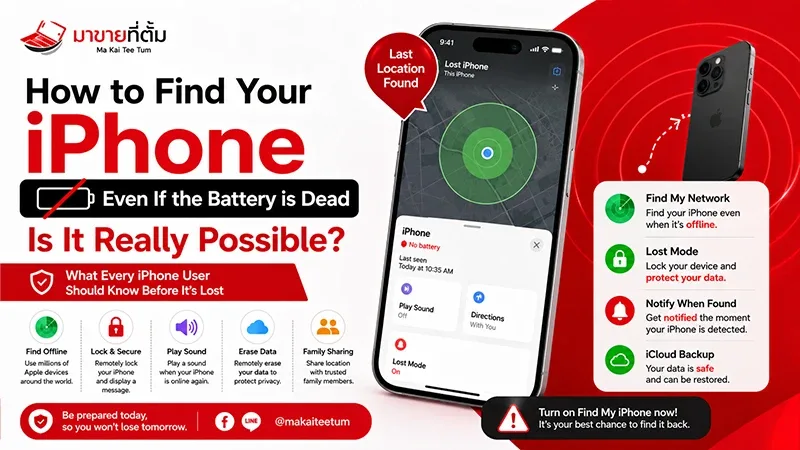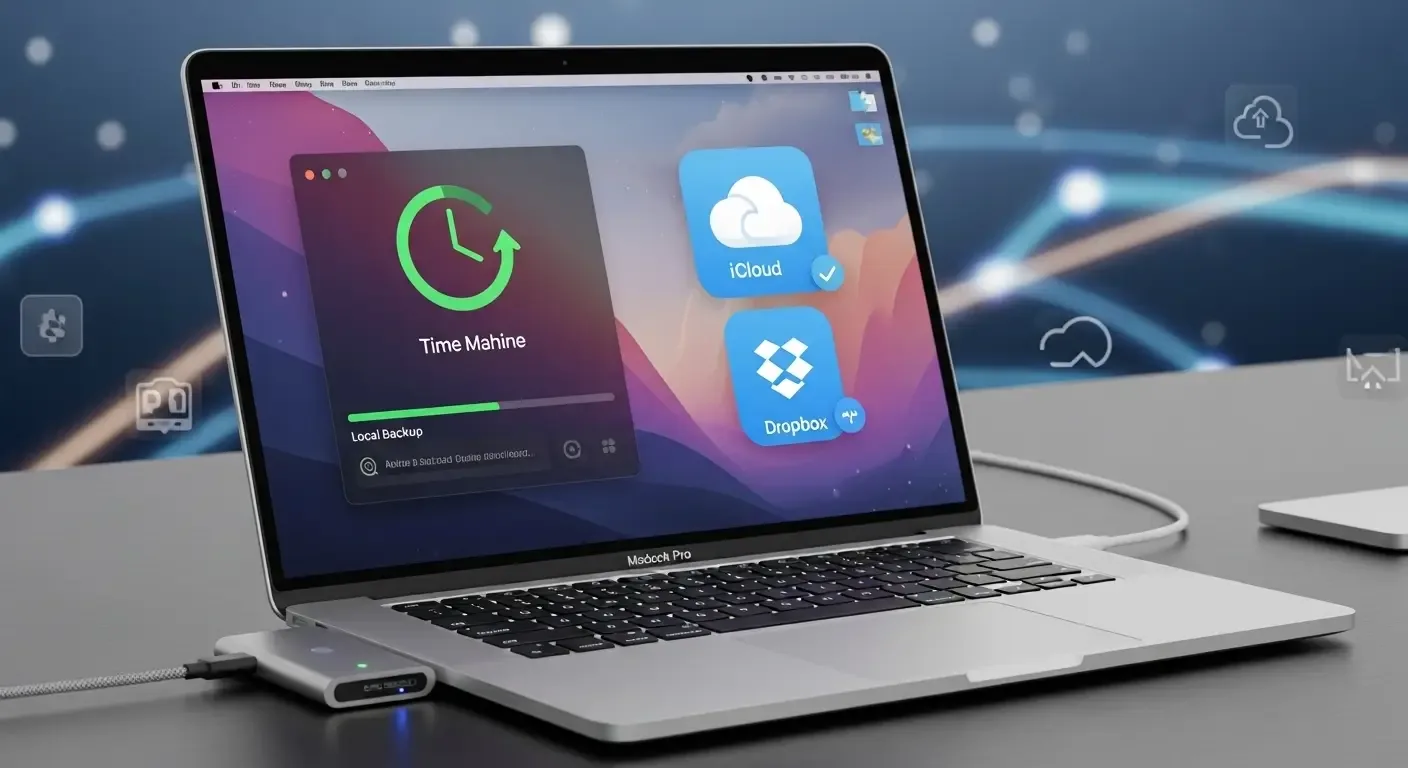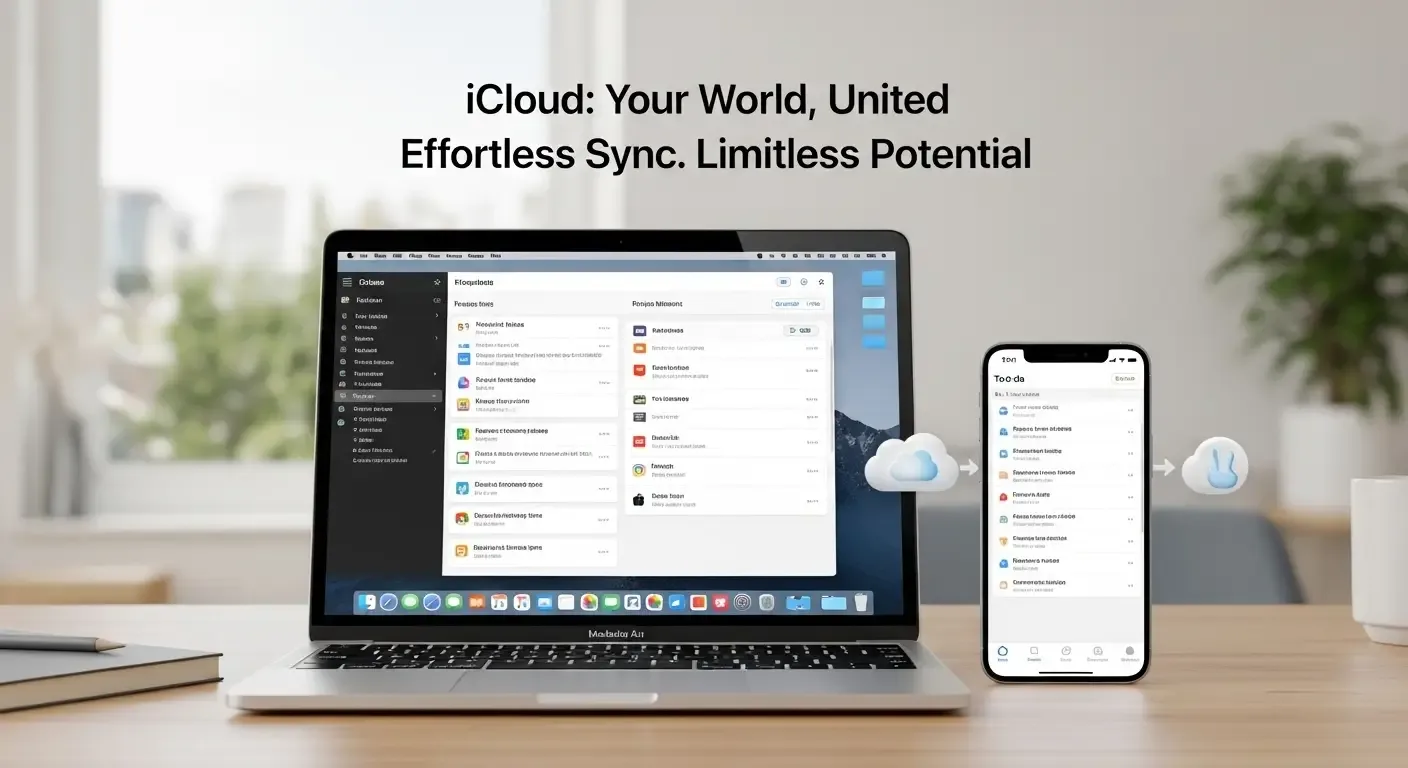
In an era where every device is interconnected, using iCloud is no longer just about storing data—it has become the digital hub for Apple users worldwide. However, as file sizes grow, especially with new formats like Spatial Photos and Spatial Videos from Apple Vision Pro, managing storage is now essential knowledge for users seeking to save costs and maximize device efficiency.
Managing High-Space Formats (Spatial Photos and Spatial Videos)
New file formats from devices like Apple Vision Pro are significantly larger than standard photos or videos. These spatial contents record deep image and 3D audio data, requiring a unique approach to iCloud storage planning.
Strategies for Storing and Compressing Spatial Files
- Use tools such as Compressor or HandBrake to convert Spatial files into more practical resolutions.
- Set up separate backup preferences between standard photos and Spatial Videos.
- If deletion isn’t an option, consider moving files to an external drive for long-term archiving.
Smart Storage Management Tools (AI-Powered Tools)
According to recent trends, Apple may launch AI-driven features in 2025 to help users automatically manage iCloud storage. The system could detect duplicate photos, blurry images, or oversized files—without manual effort.
Expected AI Capabilities
- Real-time usage analysis with instant cleanup suggestions.
- Identification and grouping of near-duplicate shots.
- Automated recommendations, such as deleting files unused for over a year.
This feature will help users reduce Vision Pro iCloud file sizes and manage storage more intelligently.
When to Upgrade to iCloud+ in 2025
Upgrading to iCloud+ isn’t just about extra gigabytes. In 2025, Apple is expected to introduce new features such as:
- Flexible family sharing with individual member quotas.
- Enhanced security options, including personalized encryption and abnormal access alerts.
- A new version of Private Relay for faster and more stable private browsing.
When space becomes limited or multiple devices are connected to the same iCloud account, upgrading to iCloud+ is a worthwhile investment for both convenience and security.
Archiving Instead of Deleting Files
Instead of deleting old files to free up space, experts recommend archiving important data—especially past projects, photos from events, and large but infrequently used files.
Systematic iCloud Drive Archiving
- Create a folder like “Archive_2025” on an external hard drive.
- Use Finder to move files from iCloud Drive while keeping local copies.
- Store data on SSDs or alternative cloud services such as Google Drive or OneDrive for redundancy.
- Record the transfer date and verify file integrity regularly.
This method ensures iCloud remains dedicated to essential files while providing secure long-term backups.
Pro Tips for Managing iCloud like a Professional
- Review backups from multiple devices under the same account (iPhone, iPad, Mac) and delete unnecessary old ones.
- Enable the “Optimize Storage” feature to let the system automatically manage local and cloud storage.
- Transfer photos from iCloud to other cloud services such as Google Photos or Dropbox when running low on space.
FAQ: Common Questions About iCloud Storage Management
Q: Why does iCloud fill up faster when using Vision Pro?
A: Because Spatial Photo and Video files store more data depth than usual, making them several times larger.
Q: Can Spatial Videos be backed up to an external drive?
A: Yes. It’s recommended to move them from iCloud Drive to an external SSD for secure long-term storage.
Q: Is Apple really developing AI for automatic storage management?
A: According to multiple reports, including MacRumors, this feature is expected to launch in 2025 to help identify and organize large files automatically.
Q: Is upgrading to iCloud+ worth it?
A: If you own multiple devices or use Vision Pro, it definitely is—offering more space and stronger security features.
Conclusion
Managing iCloud storage in 2025 isn’t just about deleting files. Understanding file archiving, AI-based optimization, and upgrading to iCloud+ enables a seamless and efficient Apple digital experience.