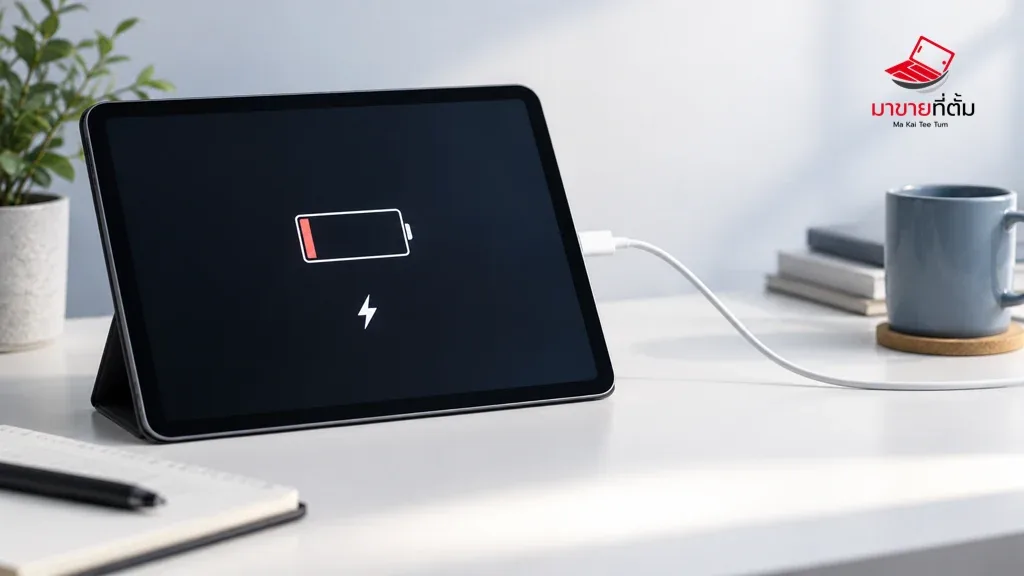
Fast iPad battery drain may come from display brightness, background activity, weak signal, post-update tasks, or battery age. Start with Battery settings rather than disabling every feature at once.
Checks to try first
- Open Settings > Battery and identify apps using unusual foreground or background power
- Reduce brightness, enable Auto-Lock, and disable Background App Refresh only where it is unnecessary
- Limit Location Services for apps that do not need constant location access
- After a system update, allow time for background indexing and setup tasks to finish
- Update iPadOS and observe the device during light use; avoid unreliable battery-monitoring apps
When to get further help
A sudden drop, unusual heat, swelling, or unexpected shutdown is a reason to stop heavy use and arrange service. Do not open the iPad yourself.
Bottom line
Start with reversible checks that do not erase personal data. If the symptom continues or follows impact or liquid exposure, professional assessment is safer than repeated resets.
Thinking about selling or upgrading an Apple device?
When a device issue is part of an upgrade decision, MaKaiTeeTum can assess an iPhone, iPad, Mac, or Apple Watch and discuss your selling options.
- Call: 064-564-7945
- Line ID: @KunTum