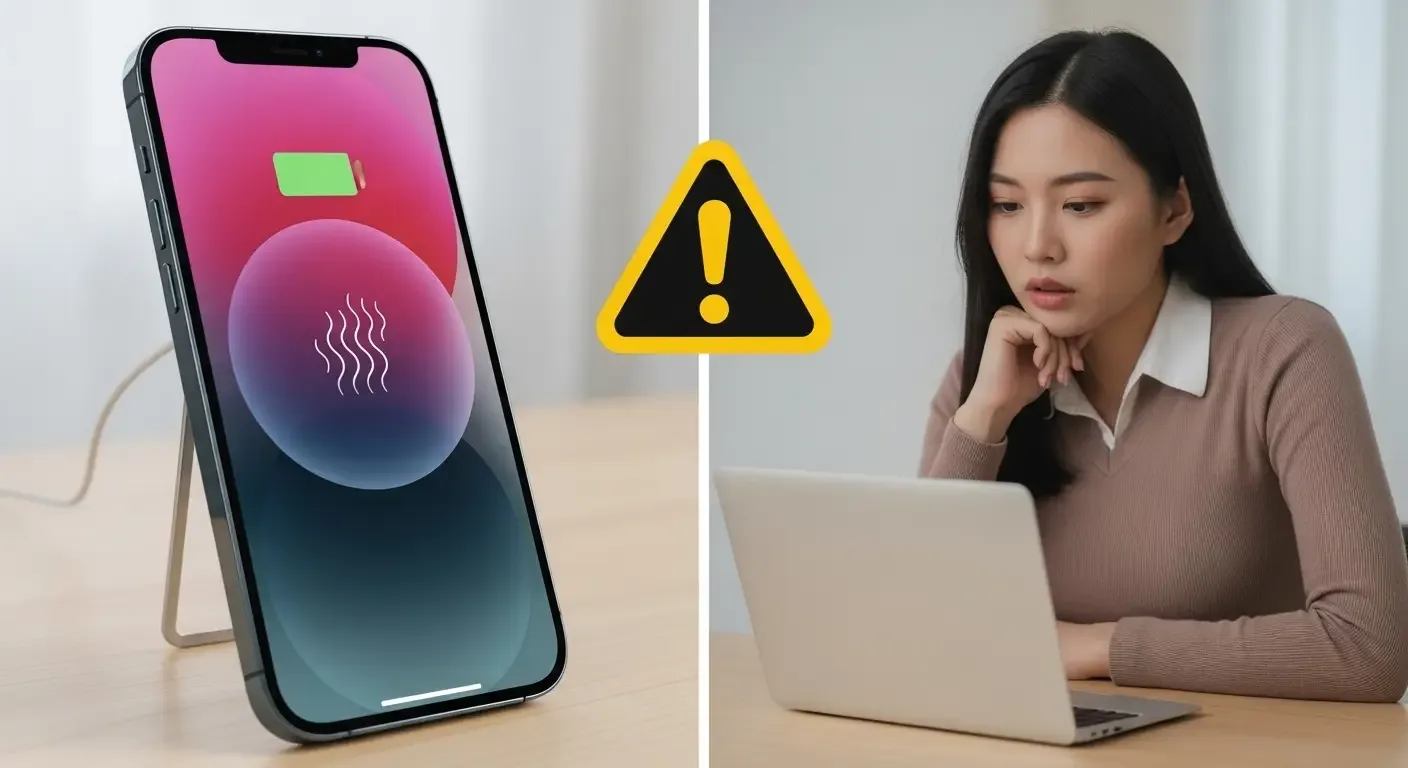
Many iPhone 15 Pro Max users have reported that their device becomes unusually hot during charging, especially when using fast charging or running intensive apps. Overheating can impact performance, battery health, and even device safety. This article explains the common causes and offers practical solutions to help you prevent damage and extend your iPhone’s lifespan.
Signs Your iPhone is Overheating While Charging
- The device feels uncomfortably hot to hold
- iOS displays a temperature warning
- Battery drains faster than usual
- Device slows down or shuts down automatically
Why iPhone 15 Pro Max Gets Hot During Charging
1. Non-certified charging accessories
Using uncertified USB-C cables or adapters (not MFi certified) can cause power surges or improper energy flow, leading to overheating.
2. Poor ventilation while charging
Placing your iPhone on soft surfaces like beds, blankets, or couches can trap heat and prevent proper cooling.
3. Heavy background activity or iOS updates
During iOS updates or intensive background tasks (backups, app indexing, AI processing), the A17 Pro chip may generate additional heat while charging.
4. Aging or degraded battery
Worn-out battery cells generate more heat when charging, especially in older devices.
5. High-wattage fast charging
The iPhone 15 Pro Max supports up to 27W fast charging. Using chargers that push maximum or higher wattage can cause the device to heat up, particularly in the first 30 minutes of charging.
What to Check and Do If Your iPhone Overheats
1. Switch charging accessories
Ensure you’re using Apple-certified or MFi-certified cables and adapters. Replace uncertified accessories with genuine ones.
2. Charge in a cool, ventilated area
Place your iPhone on a hard surface like a desk or table. Avoid beds, sofas, or enclosed areas that trap heat.
3. Update iOS
Apple frequently releases updates to fix thermal issues. Go to Settings > General > Software Update to install the latest version.
4. Check Battery Health
Navigate to Settings > Battery > Battery Health & Charging. If capacity is below 80%, consider replacing the battery.
5. Avoid using the device while charging
Playing games, streaming UHD videos, or other intensive tasks during charging can significantly increase heat.
Is It Normal for iPhones to Get Warm While Charging?
Mild warmth is normal, especially for high-performance devices like the iPhone 15 Pro Max, since background syncing and updates can occur while charging. However, excessive heat that triggers warnings or discomfort is a red flag that needs attention.
How to Prevent Future Overheating
- Use only Apple-certified charging accessories
- Avoid charging in hot environments (like inside cars under sunlight)
- Do not charge and use heavy apps simultaneously
- Disable unnecessary Background App Refresh
- Avoid using overly thick cases while charging, as they can trap heat
FAQ
Q: Is overheating a known issue with iPhone 15 Pro Max?
A: Yes, users have reported overheating since iOS 17. Apple has released updates to optimize thermal management, but proper charging accessories are still essential.
Q: Can power banks cause overheating?
A: Yes, if they deliver more than 27W or lack PD (Power Delivery) certification. Use only reliable, PD-certified power banks and avoid using the device while charging.
Q: When should I replace the battery to avoid overheating?
A: If Battery Health falls below 80%, replacing the battery at an Apple Authorized Service Provider is recommended.
Conclusion
iPhone 15 Pro Max overheating during charging should not be ignored, as it can signal issues with accessories, battery health, or usage habits. By checking accessories, keeping your device updated, and following safe charging practices, you can protect your iPhone’s performance and extend its lifespan.