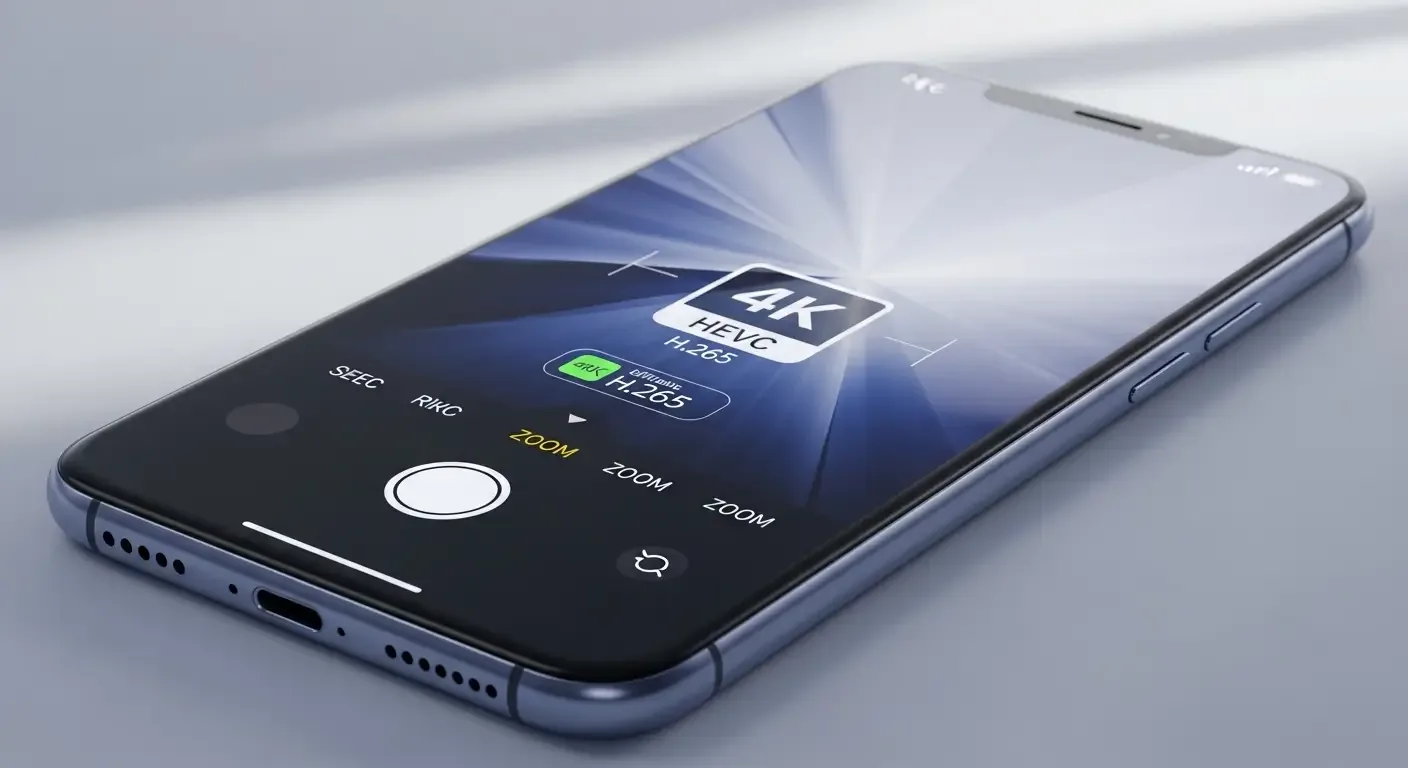
Every year, Apple enhances iPhone’s video capabilities to get closer to professional-grade cameras in quality, editing flexibility, and storage efficiency. This year introduces several new technologies users should know about — from the VVC (H.266) codec and Apple Log color profile to 8K recording and Spatial Video for devices like Apple Vision Pro.
VVC (H.266) – A Next-Generation Codec with Superior Efficiency
VVC (Versatile Video Coding), formally known as H.266, is the successor to HEVC (H.265) developed by ITU-T to further improve video compression efficiency. VVC can reduce file sizes by 25–40% compared to HEVC while maintaining the same image quality. This is especially valuable for high-resolution formats such as 4K and 8K on mobile devices like the iPhone.
Integrating VVC into newer iPhone models allows users to store more footage within the same storage capacity, while also enabling faster and more energy-efficient uploads, sharing, and large-file transfers.
Use the ‘Apple Log’ Color Profile for Greater Flexibility in Color Grading
In professional video production, shooting in a color profile known as ‘Log’ is crucial. Apple introduced the Apple Log video mode for those who want near-ProRes quality while saving storage space. Apple Log positions itself between the standard video and ProRes modes, capturing greater detail in highlights and shadows, offering high flexibility for color grading while requiring much less storage than ProRes.
For everyday users, choosing Log video is a practical option for post-editing without worrying about oversized files.
The Era of 8K Video Has Arrived
This year’s flagship iPhones are expected to make 8K recording a new standard, supporting a growing variety of high-resolution displays and viewing systems. However, 8K video comes with very large file sizes, potentially consuming hundreds of megabytes per minute of footage.
Recommended management strategies include:
- Use VVC (H.266) codec support when available to reduce file size.
- Store footage on an external SSD via a high-speed USB-C port.
- Opt for Apple Log mode if full ProRes isn’t needed.
- Utilize iCloud or NAS services for backup and large file sharing.
USB-C and Thunderbolt Speed – A Key to Professional Workflows
The new iPhone Pro models now feature a USB-C port supporting Thunderbolt speeds. This dramatically accelerates file transfers for ProRes, Log, or 8K videos compared to the older Lightning interface. With data transfer rates up to 40Gbps, users can edit directly from external storage or record ProRes video straight to an SSD without relying on internal memory.
This marks a major turning point, transforming the iPhone into a true professional production tool.
Techniques for Creating and Managing Spatial Video for Apple Vision Pro
Another leap in video innovation is Spatial Video, which captures depth and realism for immersive playback on Apple Vision Pro. This video type uses dual lenses and depth data recording, producing much larger files than normal footage and requiring special handling methods.
- Use codecs supporting Spatial Compression to compress Spatial Video files.
- Transfer via Thunderbolt to minimize backup time.
- Automatically back up to iCloud and external drives.
- Verify device compatibility before editing Spatial content.
Manage File Sizes and Workflows Smartly
As iPhone video technology advances, efficient storage management becomes essential. Users can enable automatic uploads from the Photos app to iCloud or clear temporary files after editing to free up space for the next project.
Frequently Asked Questions (FAQ)
How is VVC (H.266) better than HEVC?
VVC uses more advanced compression techniques than HEVC, reducing file sizes by 25–40% without compromising quality, making it ideal for 4K and 8K mobile video.
Who is Apple Log video best suited for?
It’s ideal for creators seeking professional-grade footage for later color grading while saving significantly more storage than ProRes.
How much space do I need for 8K recording?
8K ProRes videos can reach several gigabytes per minute. Using an external SSD or transferring via Thunderbolt is highly recommended.
How large are Spatial Video files?
Spatial Video files may be 2–3 times larger than regular 4K videos, depending on depth levels and codec choice. Compress files before long-term storage.
References
- Apple Developer Documentation: AVFoundation Framework – Technical information about supported codecs in the latest iOS version.
- ITU-T H.266 ‘VVC’ Standard Documentation – Details on the performance of the new standard codec.
- Technical reviews from AnandTech and ProVideo Coalition – Real-world bitrate and file size benchmarks from the latest devices.