Trading in your old iPhone with a mobile carrier has become one of the most popular ways to upgrade to a new device while saving money. However, preparing your iPhone properly and understanding the trade-in process are crucial to getting the best value and avoiding issues later on. This guide covers everything you need to know before you hand over your iPhone for trade-in.
1. Inspect the Device Condition
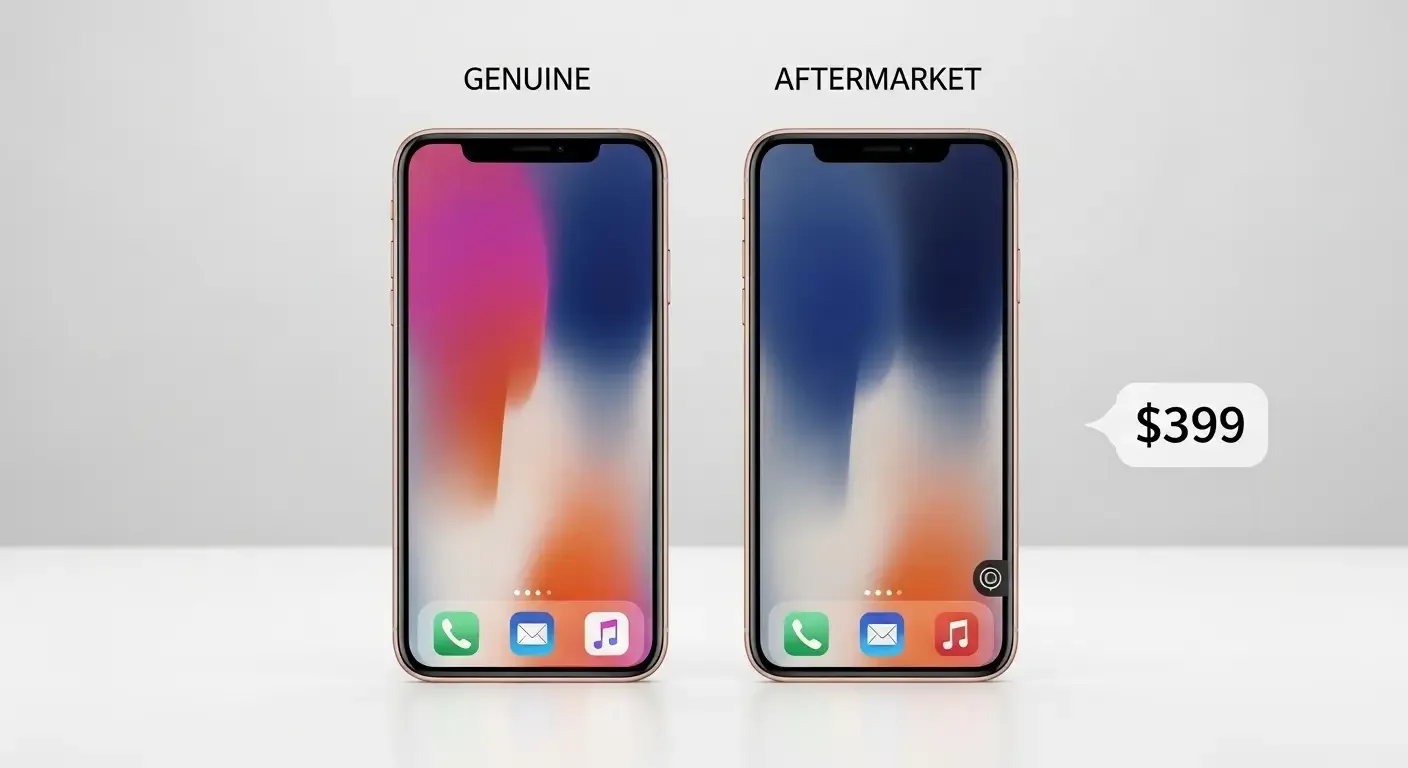
The physical condition of your iPhone directly affects its trade-in value. Carriers typically evaluate:
- Screen: No cracks or dead pixels
- Frame: No dents, bends, or major scratches
- Cameras: Functioning normally, no fog or scratches
- Battery: Still healthy, not excessively degraded
If your device has damage, the carrier may lower the offer or refuse the trade-in.
2. Erase All Personal Data
Before handing over your device, back up your data and then erase all content and settings. Important steps include:
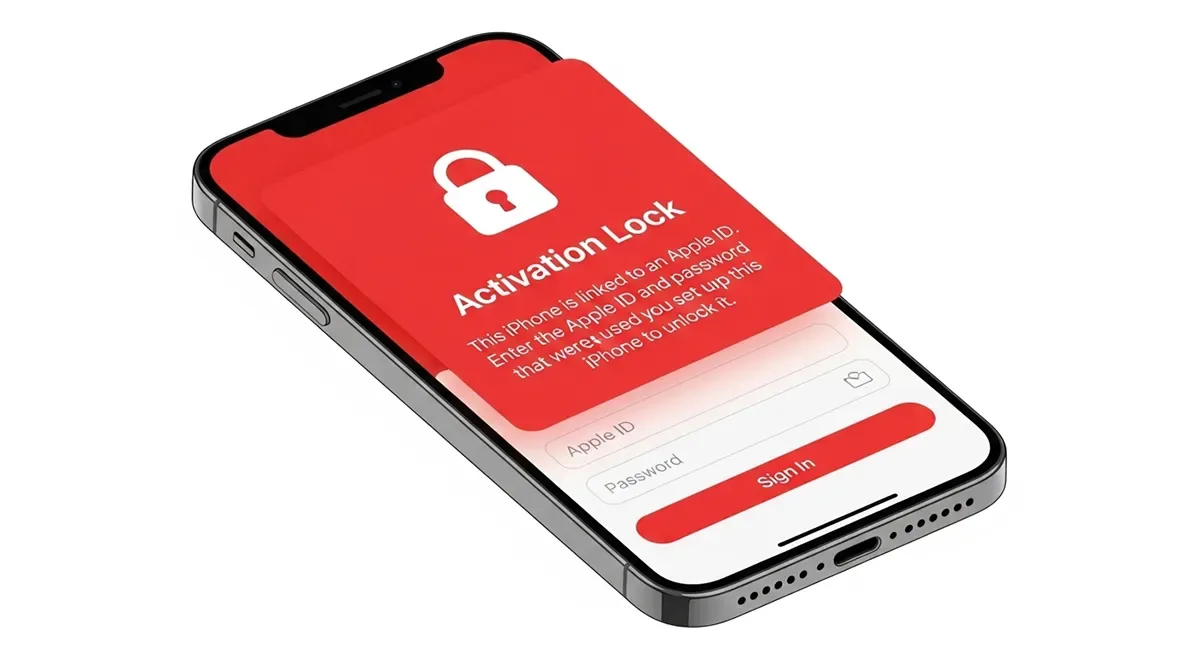
- Sign out of Apple ID and disable Find My iPhone
- Remove Face ID or Touch ID
- Perform a factory reset
This protects your personal data and ensures the next owner can use the phone without issues.
3. Check Carrier Trade-In Programs
Different carriers (such as AIS, TrueMove H, dtac, or Apple Authorized Resellers) offer varying terms and promotions. Confirm:
- Which models are eligible
- If only official Thai units are accepted
- Whether bonus discounts or gifts are available
- If the trade-in credit applies as instant discount or account credit
4. Estimate Your Trade-In Value Online
Most carriers provide online tools to estimate your iPhone’s value. You’ll need to enter:
- Model and storage capacity
- Device condition
- Any existing hardware issues
Remember: Online values are estimates. Final pricing depends on in-store inspection.
5. Unlock Your Device
Your iPhone must not be locked to iCloud or a specific carrier (SIM lock). Locked devices are generally not accepted for trade-in and may be suspected as stolen.
6. Accessories Can Add Value
While not always required, having complete accessories can improve trust and sometimes trade-in value:
- Original box
- Charging adapter and cable
- User manuals or stickers
7. Provide Proof of Ownership
Some carriers may ask for a purchase receipt or proof of ownership to confirm the device wasn’t acquired illegally.
8. Compare Trade-In Options
You can trade-in via:
- Carrier stores such as AIS Shop or True Shop
- Apple Store (selected locations in Thailand) or Apple’s website
- Authorized resellers like Studio7 or iStudio
- Direct resale via online marketplaces (often higher value, but less convenient)
9. Watch for Contract Conditions
Carrier trade-in deals often include contract commitments, such as minimum monthly payments or 12-month service terms. Always read the fine print before agreeing.
10. Quick Checklist Before Trade-In
- Check device condition
- Backup and factory reset
- Ensure no iCloud or SIM lock
- Prepare accessories and box (if available)
- Compare values from multiple carriers
- Review contract terms carefully
FAQ
Q: Do I need to include accessories?
A: Not required, but they may improve valuation.
Q: Can I trade in a device with a cracked screen?
A: Depends on the carrier. Some accept with reduced value; others may reject it entirely.
Q: Which is better, trading in with Apple or a carrier?
A: Apple trade-in has no contracts but lower values. Carriers may offer higher discounts but usually with service commitments.
Q: How long does the trade-in process take?
A: Typically 30 minutes to 1 hour, depending on inspection and queue.
Q: Can I trade in if my phone is still under installment payments?
A: No, the device must be fully paid off before it can be traded in.
Conclusion
Being well-prepared before trading in your iPhone ensures you get the most value and avoid post-trade issues. Inspect your device, erase all data, confirm eligibility, and compare offers from multiple carriers to secure the best deal.