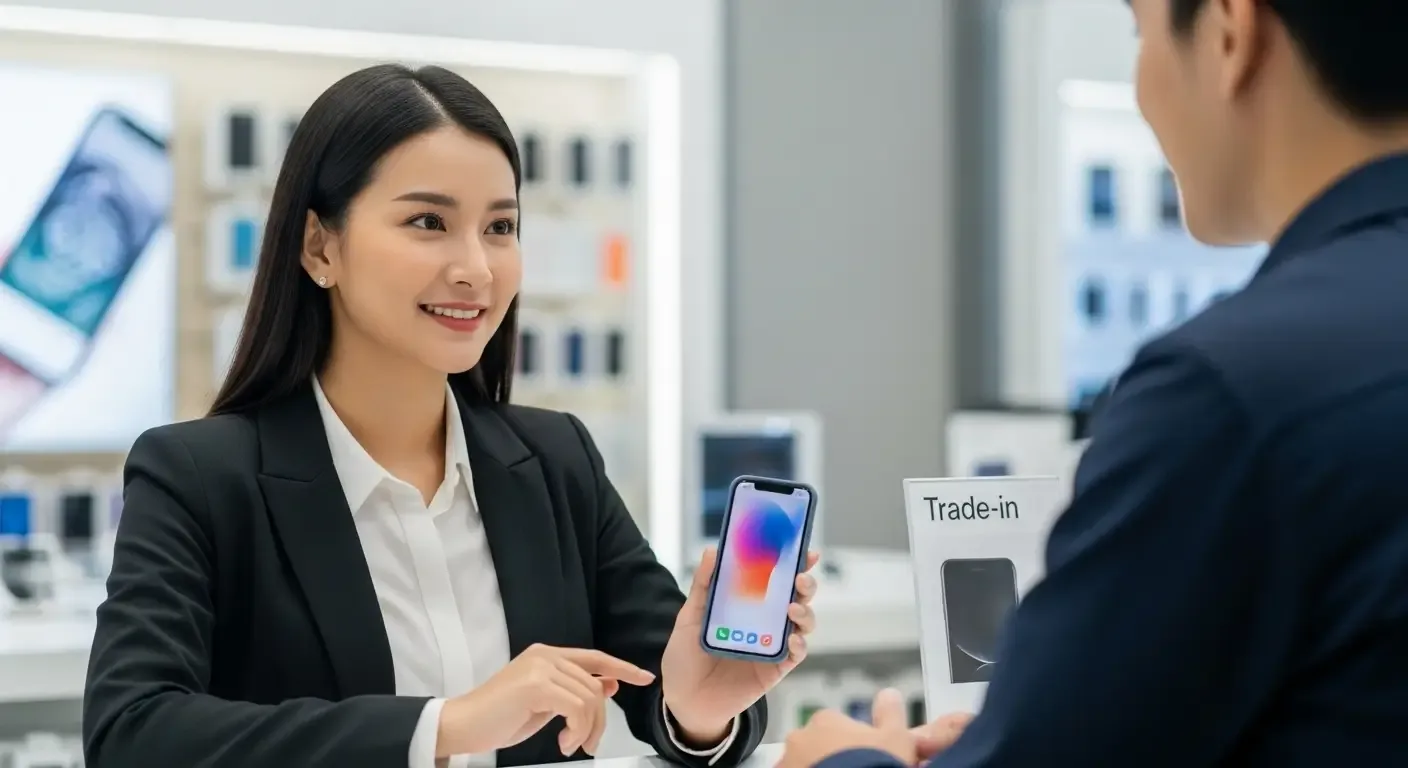
You may have tried selling your iPhone only to be refused by a shop because the device is still locked with an Apple ID. This often raises the question: what is Apple ID, and why does it affect resale? In this article, we explain the reasons in detail and how to properly prepare your device before selling.
What is Apple ID?
Apple ID is the account required to use Apple products such as iPhone, iPad, or Mac. It is used for essential services like iCloud, App Store, FaceTime, and more. Once you activate a new iPhone with your Apple ID, the device becomes linked to your account for security purposes.
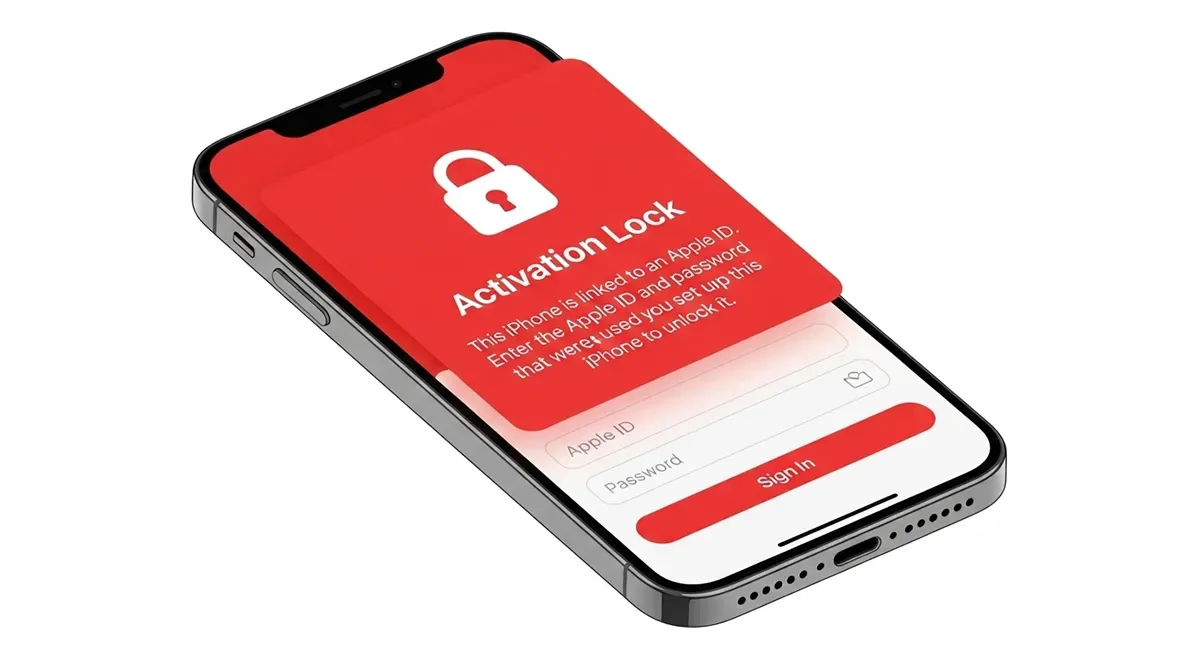
What is Activation Lock?
Apple’s Activation Lock is a security feature that automatically turns on when you enable iCloud and Find My iPhone. It prevents unauthorized use of your iPhone if it’s lost or stolen, since the device requires the original Apple ID and password to be erased or reactivated.
Why Shops Don’t Buy iPhones with Apple ID
1. To Prevent Stolen Goods Trade
Devices locked with Apple ID may have been lost or stolen. Shops avoid purchasing them to reduce legal risks and avoid involvement in illegal trade.
2. Impossible to Reset Without the Original Password
If the owner’s Apple ID and password are not available, the shop cannot erase or reset the phone for resale.
3. No Resale Value
Even if the phone is in good physical condition, it has no resale value if it cannot be unlocked or used by the next buyer.
4. Risk to Shop Reputation
Reselling Apple ID–locked devices may lead to customer complaints and damage the shop’s credibility if buyers discover the phone cannot be used.
How to Check if an iPhone is Apple ID Locked
- Go to Settings
- Tap your Apple ID name at the top
- Check if Find My iPhone is enabled
If the account name remains signed in, the device is still Apple ID locked.
How to Remove Apple ID Before Selling
- Open Settings
- Tap your name, then scroll down and select Sign Out
- Enter your Apple ID password to confirm
- Go to Erase All Content and Settings to factory reset the iPhone
Once completed, the iPhone will be ready for resale without restrictions.
If You’re Not the Original Owner
If you bought a second-hand iPhone and it is Apple ID locked, you cannot legally unlock it. Only the original owner can remove the lock, and Apple will not unlock the device without proof of ownership.
Tips Before Buying or Selling an iPhone
- Always check that the device is Apple ID–free before purchase
- Buy only from trusted sources or verified sellers
- If buying second-hand, ensure the seller signs out of Apple ID in front of you
FAQ
Q: What if I forgot my Apple ID password?
A: You can reset it by selecting Forgot Password at iCloud.com or appleid.apple.com and following Apple’s recovery process.
Q: Can a shop unlock Apple ID for me?
A: No. Shops are not legally authorized to bypass Apple ID. Any unofficial methods may violate Apple’s policies and local laws.
Q: If I bought an Apple ID–locked iPhone from a shop, can I resell it?
A: Most shops will still refuse, even with proof of purchase, since the device cannot be reused without the original account owner’s credentials.
Conclusion
An iPhone locked with Apple ID is essentially unusable without the original owner’s credentials. Apple’s Activation Lock is designed to protect users from theft, which is why most shops refuse to buy such devices. To ensure smooth and secure resale, always remove your Apple ID before selling or transferring your iPhone.