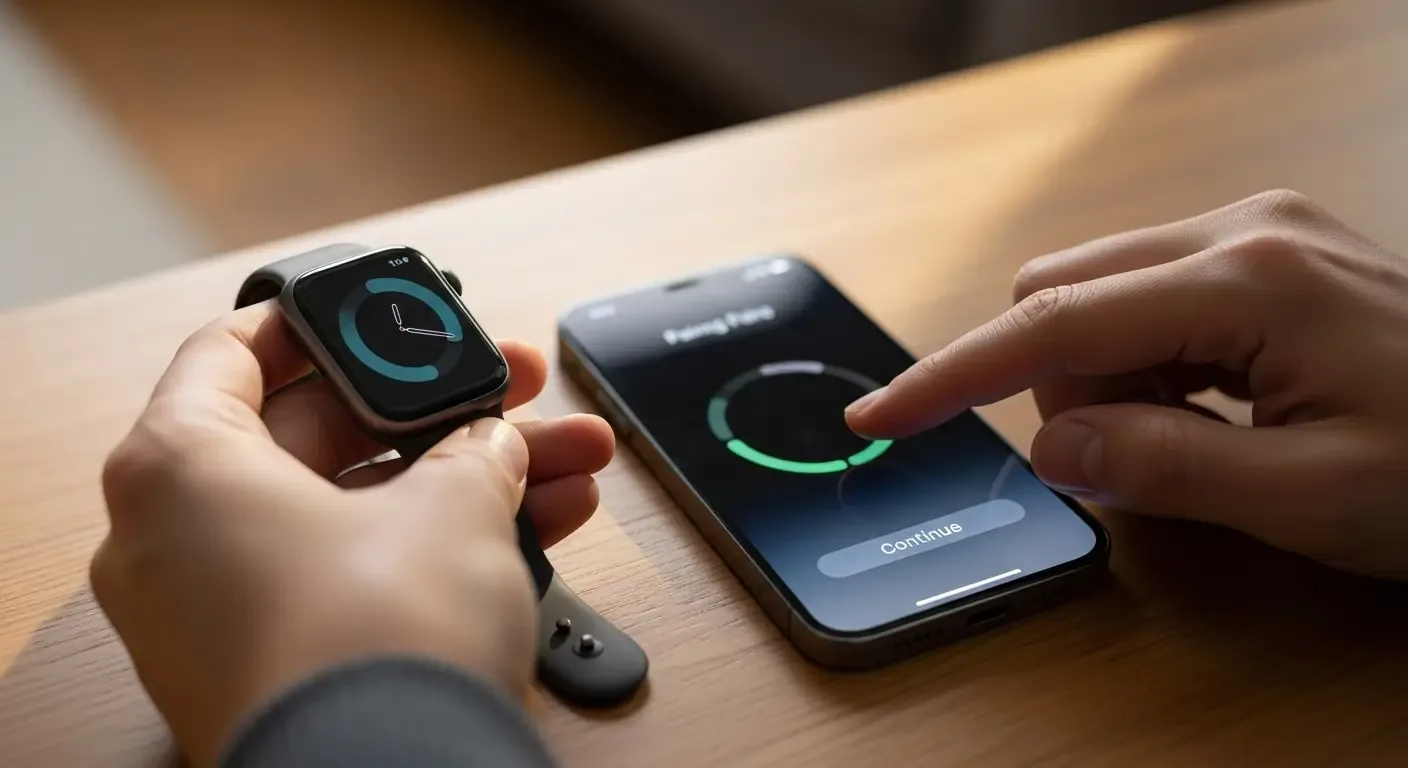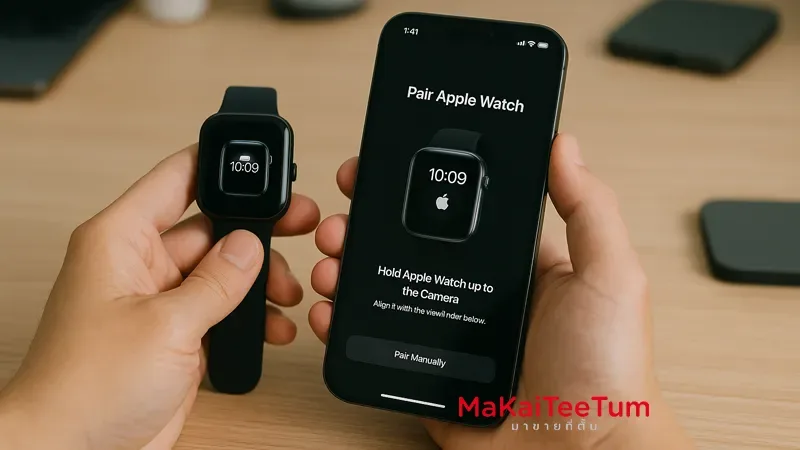
Many users with more than one iPhone wonder whether it’s possible to connect one Apple Watch to multiple iPhones at the same time. The short answer is: no. Apple Watch can only be paired with one iPhone at a time. However, you can switch between iPhones by unpairing and re-pairing it every time you need to use another device.
Limitations of Pairing Apple Watch to Multiple Devices
- Only one iPhone per Apple Watch: You can’t maintain connections with multiple iPhones simultaneously.
- Switching requires unpairing: To connect with a different iPhone, you must unpair it from the current one and start the setup again.
- Potential data loss: If not backed up properly, some health data or settings may be lost during the switch.
Steps to Pair Apple Watch with a New iPhone
- Unpair from the current iPhone: Go to the Watch app on the current iPhone, tap “All Watches,” then the “i” next to your Watch name, and select “Unpair Apple Watch.”
- Pair with the new iPhone: Open the Watch app on the new iPhone and follow the on-screen instructions.
- Restore from backup: If you have a previous backup, restore it during setup to retrieve your data.
Note: Unpairing erases all data from the Apple Watch unless it’s backed up via iCloud.
Alternative Option: Family Setup
If you want to set up Apple Watch for someone without an iPhone, Apple offers Family Setup, which allows pairing and managing Apple Watches from a single iPhone for children or elderly family members.
Contact Us
Need help with Apple Watch setup or other Apple devices? Contact MarKaiTeeTum:
- Call: 064-564-7945
- Line ID: @KunTum
Sources
- Set up more than one Apple Watch
- Pair your Apple Watch with a new iPhone
- How to use your Apple Watch with multiple iPhones