As iPhones continue to be among the most popular smartphones, buying a used iPhone can be a cost-effective option — but it also carries risks if you don’t verify all details carefully. Especially in iOS 18, which introduces new security measures like Stolen Device Protection, buyers should understand and properly prepare before completing a purchase.
1. Understanding What Stolen Device Protection Is
Stolen Device Protection is a new feature introduced in iOS 17.3 and later, designed to prevent unauthorized users from easily resetting or erasing a stolen device. It introduces a Security Delay — a one-hour waiting period before allowing password changes or device resets when done outside of a Familiar Location.
When buying a used iPhone, try to meet the seller in a place that is likely familiar to them — such as their home or workplace — to avoid issues with erasing or setting up the device. Ask the seller to sign out of their Apple ID and disable Find My iPhone before completing the purchase.
2. Check Activation Lock and iCloud
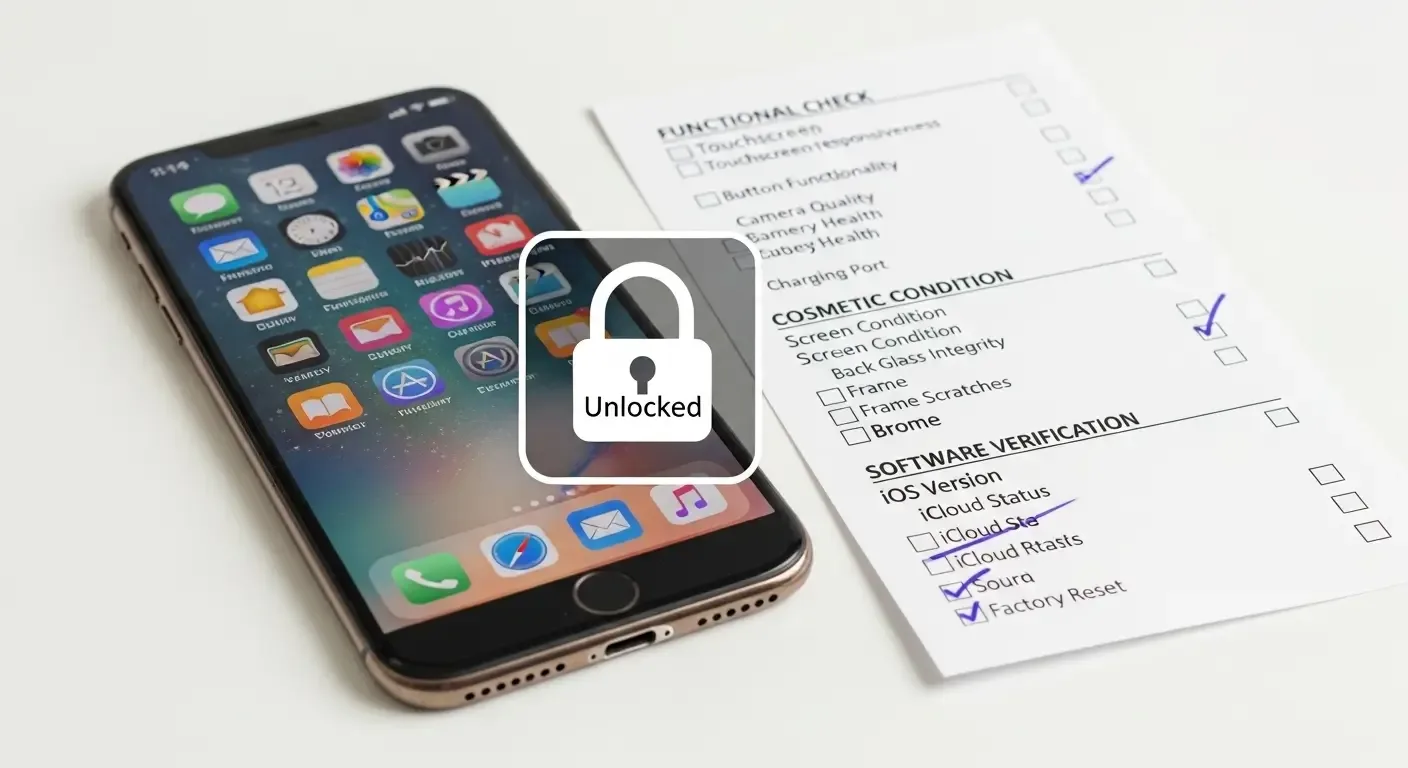
Before accepting the device, make sure it’s not still locked to the seller’s Apple ID. On the setup screen, if you are prompted for an Apple ID or password, it means Activation Lock is still enabled. Ask the seller to remove it before handing over the device to avoid future usability issues.
See the official steps here: Apple Support: About Activation Lock
3. Physical Checks When Meeting in Person
When inspecting the device in person, prepare tools and equipment for testing — especially for models that support eSIM, which differ from models using a physical SIM card.
For eSIM-compatible devices
- Prepare a QR Code for your eSIM from your carrier in advance.
- Connect to Wi-Fi to test adding a cellular plan.
- Verify that activation works without any error messages.
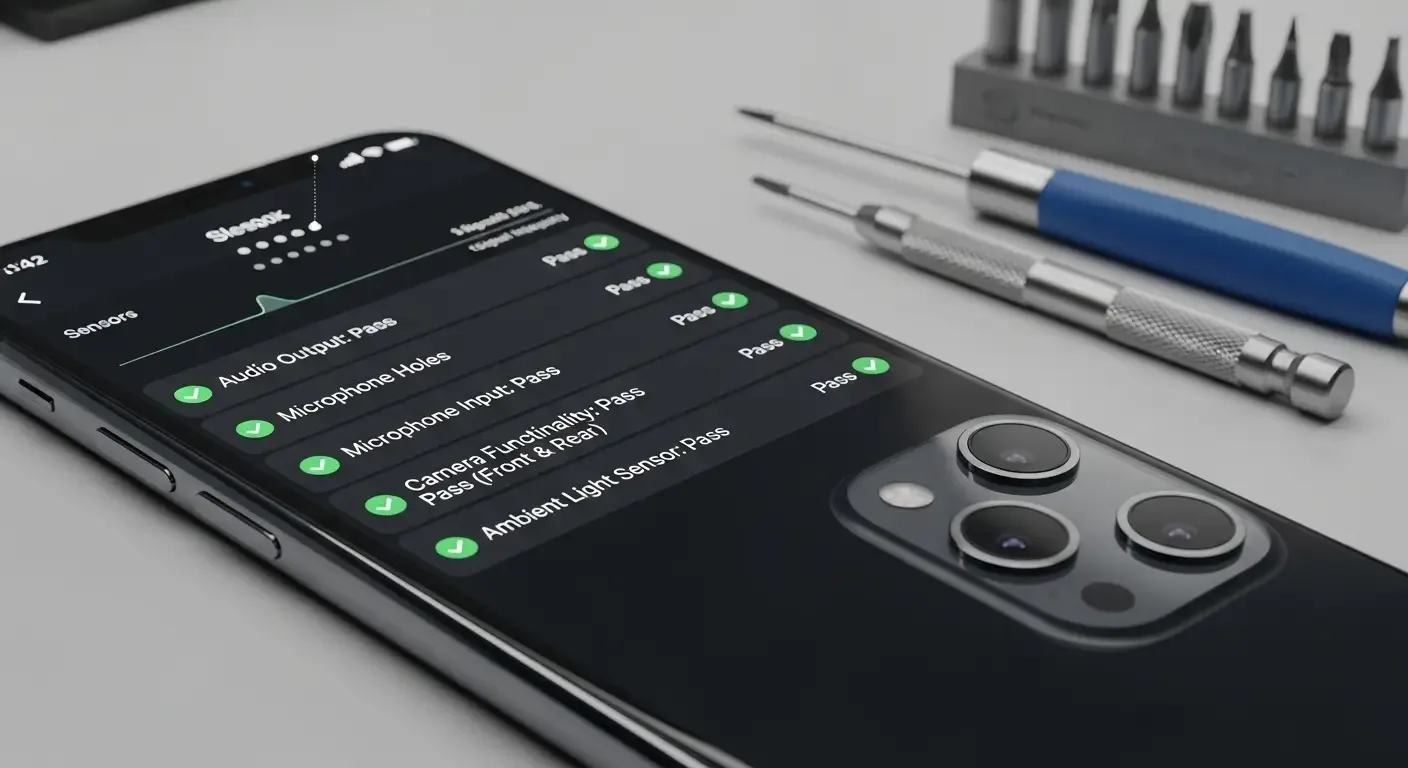
Additionally, test key components such as touch screen, Face ID, camera, speakers, buttons, and wireless connections like Wi-Fi and Bluetooth.
4. Check Parts and Service History
Starting from iOS 15.2, Apple added the Parts and Service History feature that lets users see which internal components have been replaced. Navigate to Settings > General > About to view this information.
Meaning of system messages
- Genuine Apple Part – Indicates an official Apple component replaced by an authorized service provider.
- Unknown Part – Indicates a component of uncertain origin, possibly non-genuine or not verified by Apple.
Reviewing this information helps buyers better assess the device’s condition and component quality before purchase.
5. Check Battery Health
Battery health is a key factor that significantly impacts user experience and long-term value. Access it through Settings > Battery > Battery Health & Charging and verify the Maximum Capacity percentage.
- 100% – New device or recently replaced battery.
- 85–90% – In good condition for everyday use.
- Below 80% – Consider replacing the battery soon.
Ask the seller to show this screen in person to ensure that no information has been hidden before the sale.
6. Used iPhone Inspection Checklist
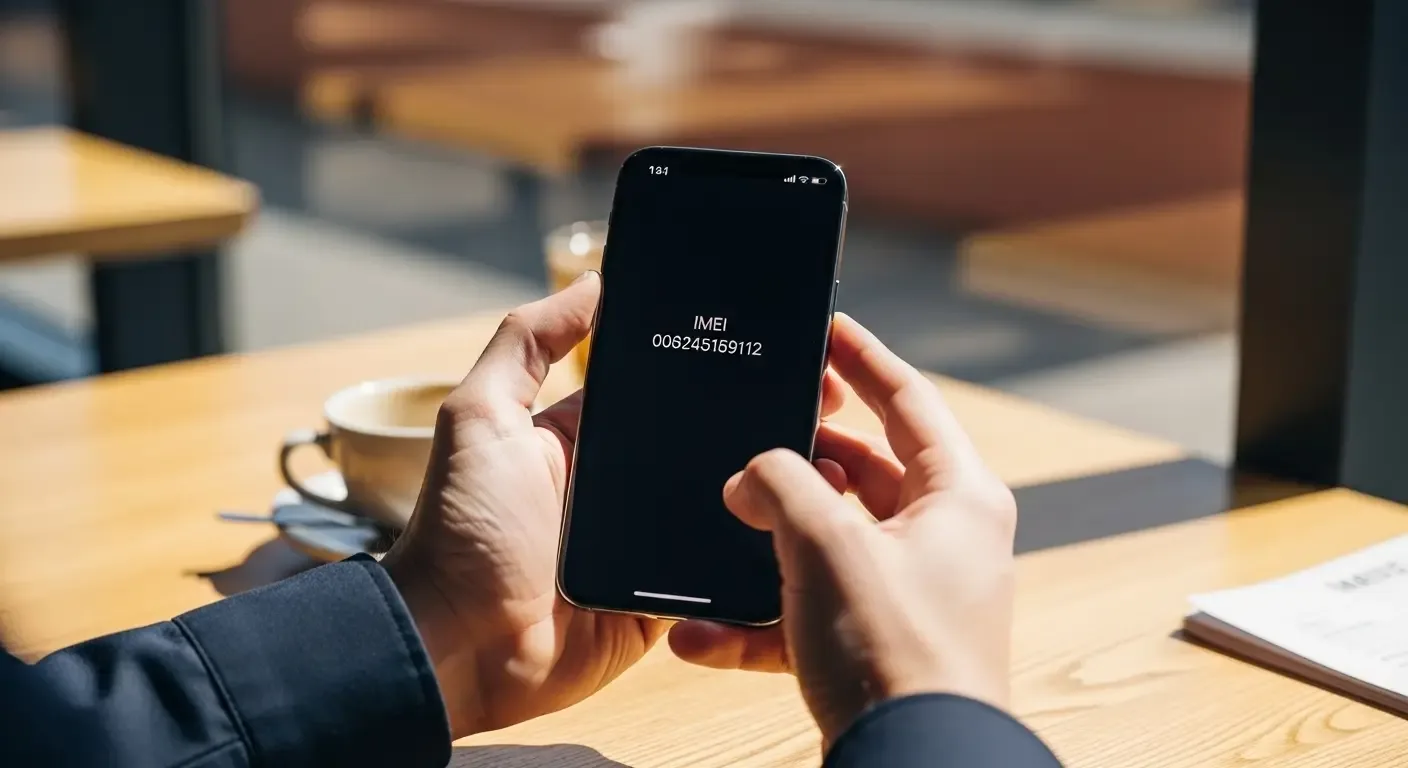
- Verify IMEI and Serial Number match the box.
- Ensure Find My iPhone is turned off and Apple ID signed out.
- Check that Stolen Device Protection is disabled.
- Confirm Activation Lock status.
- Inspect charging port, speakers, microphone, and cameras.
- Check Parts & Service History.
- Review Battery Health.
- Test eSIM (if supported).
7. Additional Advice for Buying a Used iPhone
- Avoid buying through suspicious or unusually cheap channels.
- Request a proper receipt or proof of ownership.
- If possible, have the device inspected at an Apple Authorized Service Provider.
FAQ: Common Questions About Buying a Used iPhone
Q: How can I tell if Stolen Device Protection is enabled?
A: On devices running iOS 17.3 or later, go to Settings > Face ID & Passcode to view the Stolen Device Protection section immediately.
Q: What if the meeting place isn’t the seller’s familiar location?
A: The system will trigger a one-hour Security Delay before allowing a reset or erase action, which may prevent you from setting up and using the device right away.
Q: Should I buy a used iPhone that shows “Unknown Part”?
A: It can still be purchased if the price is reasonable, but be aware that the replaced part may not be genuine and could affect future warranty eligibility.
References
- Apple Support: What to do before you sell, give away, or trade in your iPhone or iPad (HT201351)
- Apple Support: About Activation Lock for iPhone, iPad, and iPod touch (HT201365)
- Apple Support: About Stolen Device Protection for iPhone (HT212510)
- Apple Support: iPhone parts and service history (HT212878)