In today’s world, everyone needs constant internet access. Sharing your Wi-Fi password with friends or family happens often, but typing long, complex passwords can be frustrating. A smarter way is to share your Wi-Fi through a QR Code simple, fast, and secure.
Why Share Wi-Fi with a QR Code?
Sharing Wi-Fi using a QR Code offers several benefits:
- No typing required – avoids typos and mistakes
- More secure – no need to reveal the password out loud
- Quick connection – just scan and join instantly
- Great for businesses – cafes, hotels, and shops can offer easy Wi-Fi access
What Information Does a Wi-Fi QR Code Contain?
A Wi-Fi QR Code must include:
- Network name (SSID)
- Password
- Encryption type (WPA, WPA2, or none)
QR Code format:
WIFI:T:[encryption];S:[network name];P:[password];;
Example:
WIFI:T:WPA;S:MyHomeWiFi;P:12345678;;
How to Create a Wi-Fi QR Code
1. Use Online QR Code Generators
Several websites offer free Wi-Fi QR code creation:
- qr-code-generator.com
- qifi.org — dedicated Wi-Fi QR code tool
Simply enter your Wi-Fi name, password, and encryption type, then generate the QR code instantly.
2. Use Built-in Functions on Android
On many Android phones (Samsung, Xiaomi, etc.):
- Go to Settings > Wi-Fi
- Select the connected network
- Tap the QR Code option
- Friends can scan it with their phone camera to connect instantly
3. For iPhone and iPad
iOS does not yet provide a native Wi-Fi QR option. Instead, you can use apps from the App Store:
- Visual Codes
- Qrafter
Enter Wi-Fi details and the app will generate a QR code for you.
How to Share the QR Code
Once you have the QR code, you can share it easily:
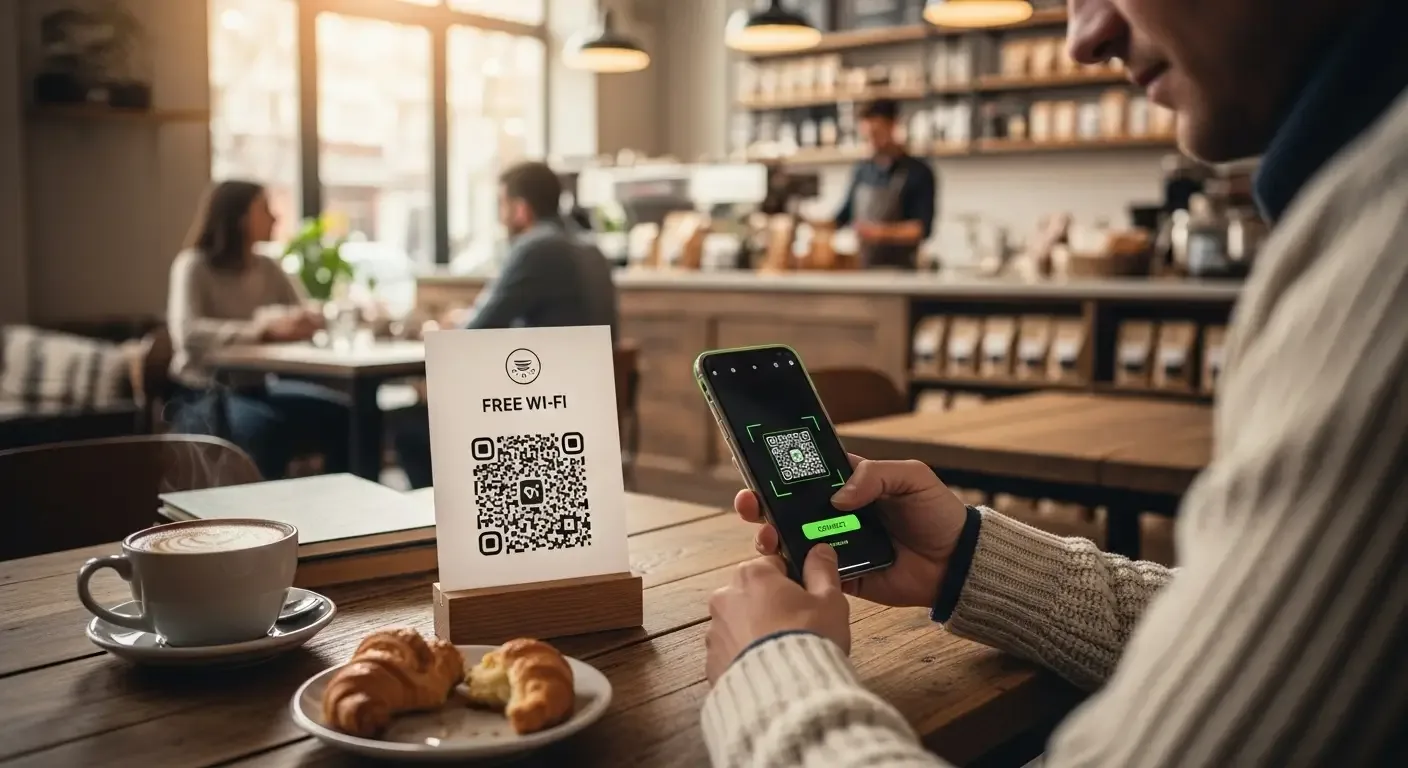
- Show the QR code on your screen for others to scan
- Print or post it in visible spots (e.g., on a desk, wall, or café counter)
- Use apps like Google Lens or the phone’s camera to scan directly
Extra Security Tips
For safer Wi-Fi sharing:
- Use an SSID that doesn’t reveal sensitive info
- Update your Wi-Fi password regularly
- Consider temporary QR codes that expire
Pros and Cons of Sharing Wi-Fi with QR Codes
Pros
- Convenient and fast
- Eliminates typing errors
- Easy to scan for most users
Cons
- Some iPhone users may need extra apps
- Anyone who sees the QR code can connect
Conclusion
Sharing Wi-Fi with a QR Code is a modern, fast, and secure way to let friends, family, or customers connect without typing. Whether at home or in a business, this method saves time and improves convenience. Try it out—you’ll never want to share your Wi-Fi password the old way again.
FAQ
Q: Can iPhone scan Wi-Fi QR codes?
A: Yes, but depending on iOS version, you may need an app like Google Lens or a third-party QR app to connect directly.
Q: Is sharing via QR code safe?
A: Generally safe, but avoid posting your QR publicly. Update your Wi-Fi password periodically to maintain security.
Q: Do Wi-Fi QR codes work on all smartphones?
A: Almost all modern Android devices and iPhones (with updated iOS or apps) support scanning and connecting via QR code.