
MacBook Screen Issues: Repair or Buy New?
MacBook screen problems black screen, lines, cracks, or flicker. Should you repair or invest in a new MacBook? Here’s a complete guide to help you decide

MacBook screen problems black screen, lines, cracks, or flicker. Should you repair or invest in a new MacBook? Here’s a complete guide to help you decide

iPad showing screen lines or touchscreen not working? Here’s a detailed step-by-step guide to diagnose, fix, and prevent the issue — from simple solutions to professional repair
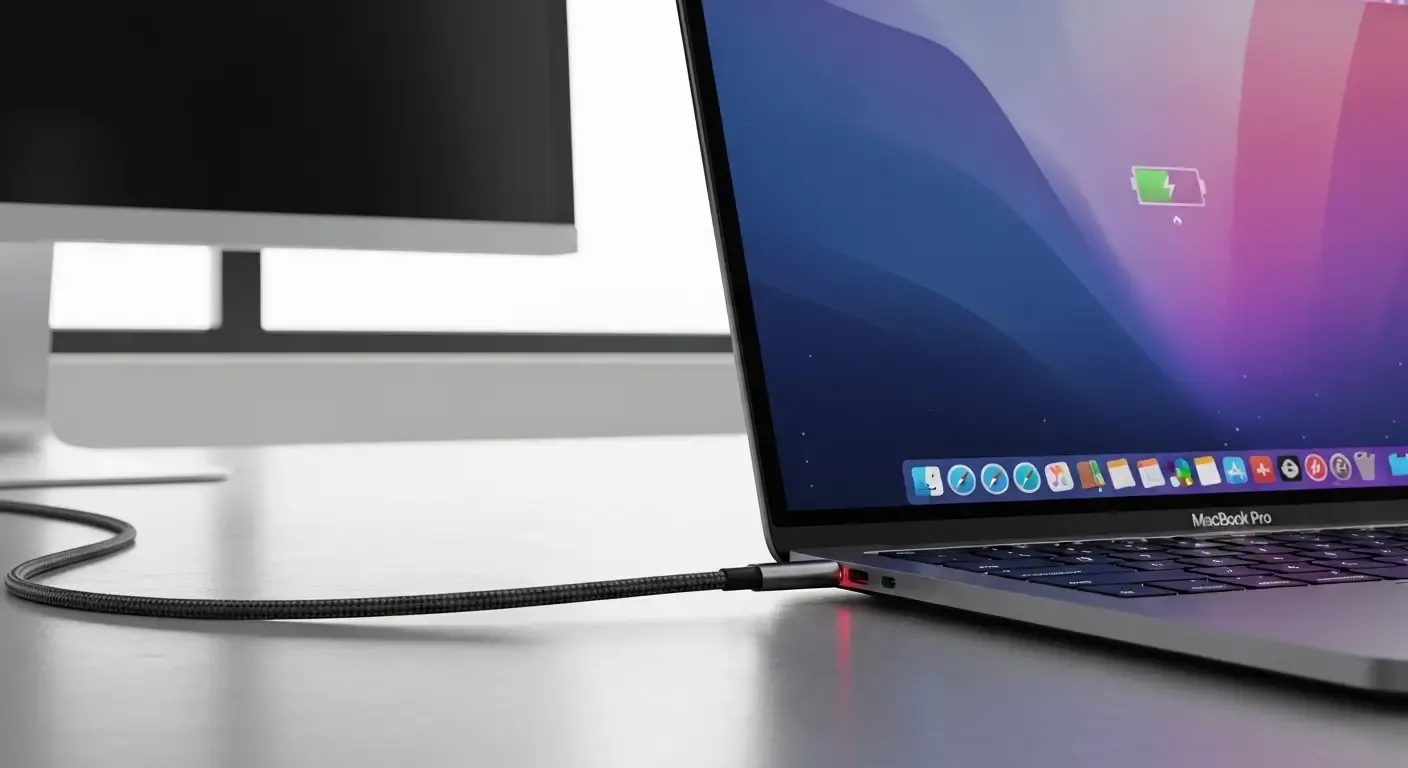
MacBook not charging or battery draining quickly? Discover common causes and simple DIY fixes you can try before heading to a service center
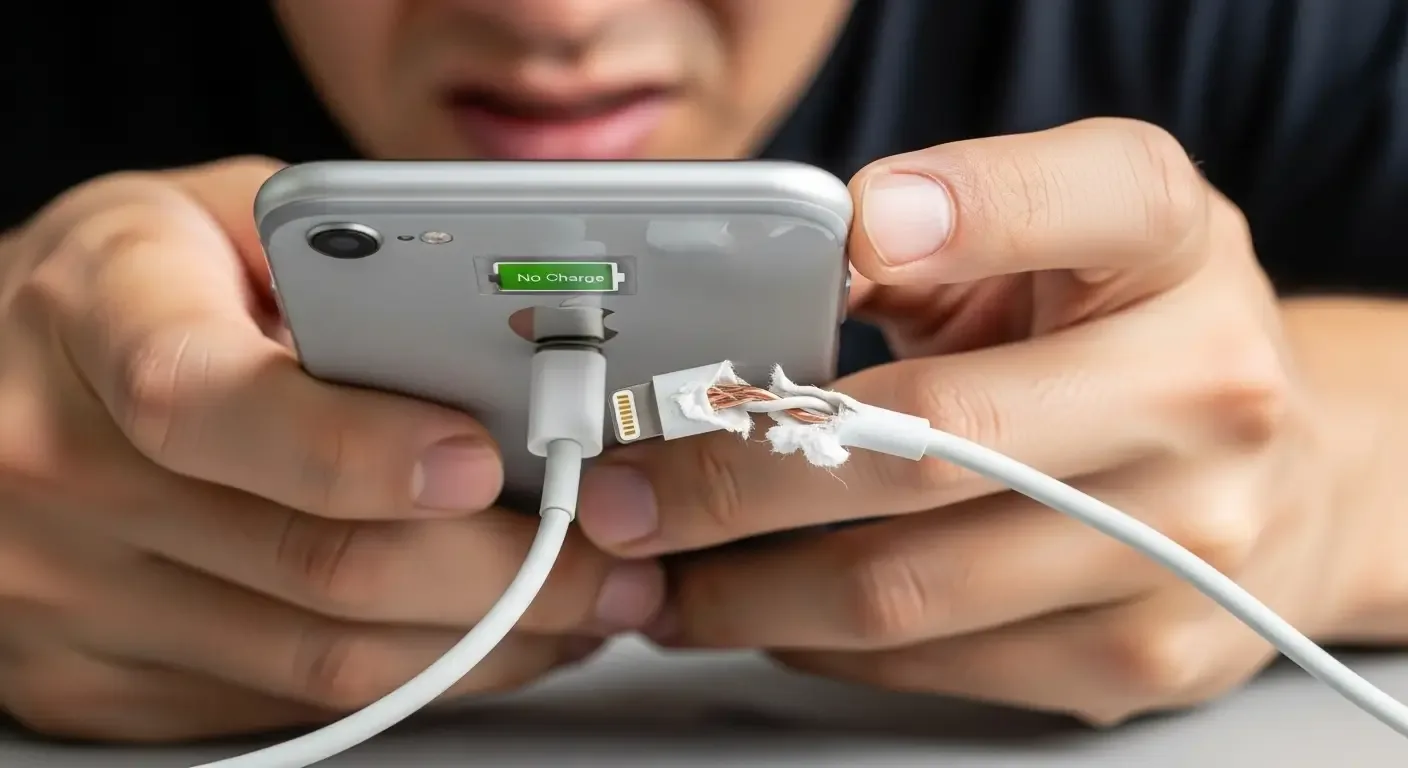
Your iPhone might not charge for many reasons—from a faulty cable to software issues. Here’s a clear, step-by-step guide to the causes and the right fixes you can try immediately

Experiencing rapid Apple Watch battery drain after installing watchOS? Learn step-by-step fixes—from restarting, unpairing, adjusting settings, Low Power Mode, to free storage tips. Get your battery life back

Discover how to stop MacBook battery drain when closed. Learn to disable Screen Time, Power Nap, wake settings, manage login items, Bluetooth, and more—all backed by expert tips and real user solutions

Learn how to diagnose iPad battery health, signs of degradation, and tips to extend battery life. Fix battery drain and avoid costly replacements

Learn how to perform a Soft or Hard Reset on your iPhone and understand when to use each. Fix slow performance or unresponsive screens without losing data

Speed up your Mac’s startup with expert tips on disabling login items, clearing cache, and optimizing settings. Boost performance and save time every day

Learn the safest way to clean your iPhone’s charging port and avoid damaging the device. Step-by-step guide with expert tips and tools to use

Learn simple DIY steps to fix your AirPods or charging case when they won’t charge. From cleaning tips to reset instructions, this guide covers it all
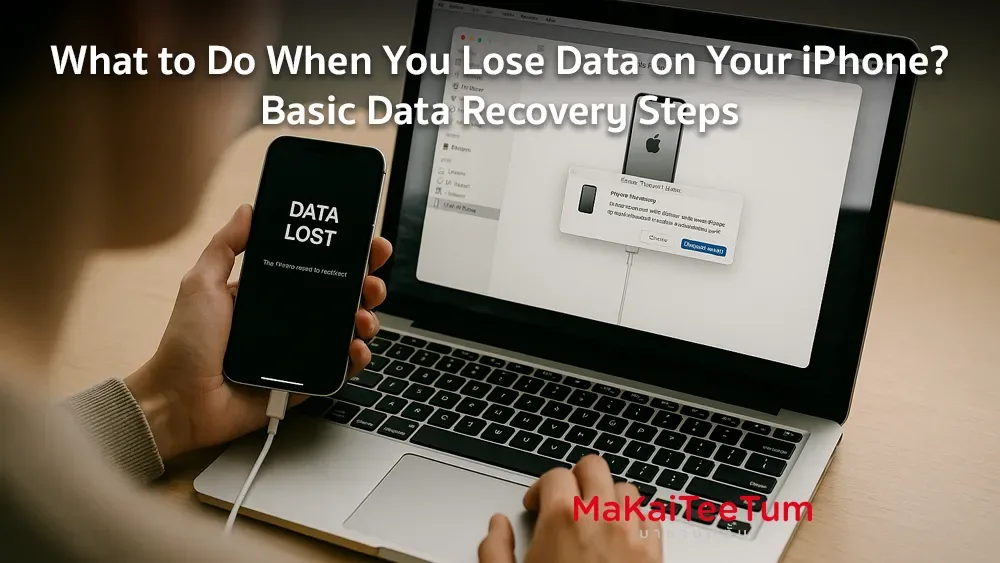
Lost data on your iPhone? Learn step-by-step recovery methods using iCloud, iTunes, third-party apps, and pro tips to restore your files effectively