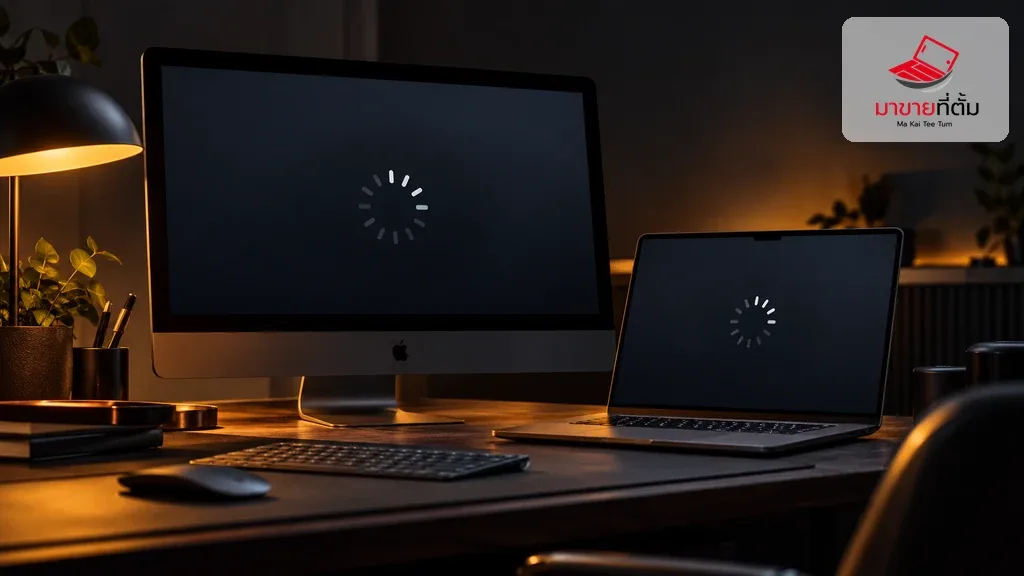
Mac Restarts Unexpectedly or Reports a Problem: How to Narrow Down the Cause
Unexpected restarts can involve software or connected devices. Update and isolate peripherals one at a time before concluding that hardware has failed.

Unexpected restarts can involve software or connected devices. Update and isolate peripherals one at a time before concluding that hardware has failed.

Frequent Wi-Fi drops on a MacBook may come from the router, interference, VPN software, or the Mac’s saved network configuration. Compare another device first so you know which side to troubleshoot.

A few dead keys on a MacBook can come from an app, Accessibility setting, debris, or a failed key mechanism. A key-by-key pattern is useful: one sticky key is a different diagnosis from a whole keyboard that is unresponsive.

Bluetooth pairing problems on a MacBook are often caused by a low battery, an accessory that is already connected elsewhere, or a stale pairing record. Start with one accessory, then determine whether the failure affects every Bluetooth device.

An external monitor that stays blank or is not detected by a MacBook can be caused by the display input, cable, adapter, dock, or macOS display configuration. Isolate those parts in order before replacing the computer.

If your MacBook powers on but will not boot normally and keeps opening macOS Recovery, follow these safe troubleshooting steps before erasing the startup disk.

“Apple introduces the M5 — a next-generation Apple Silicon chip built for AI, delivering faster performance, smarter neural processing, and superior energy efficiency across Mac, iPad, and Vision Pro.”
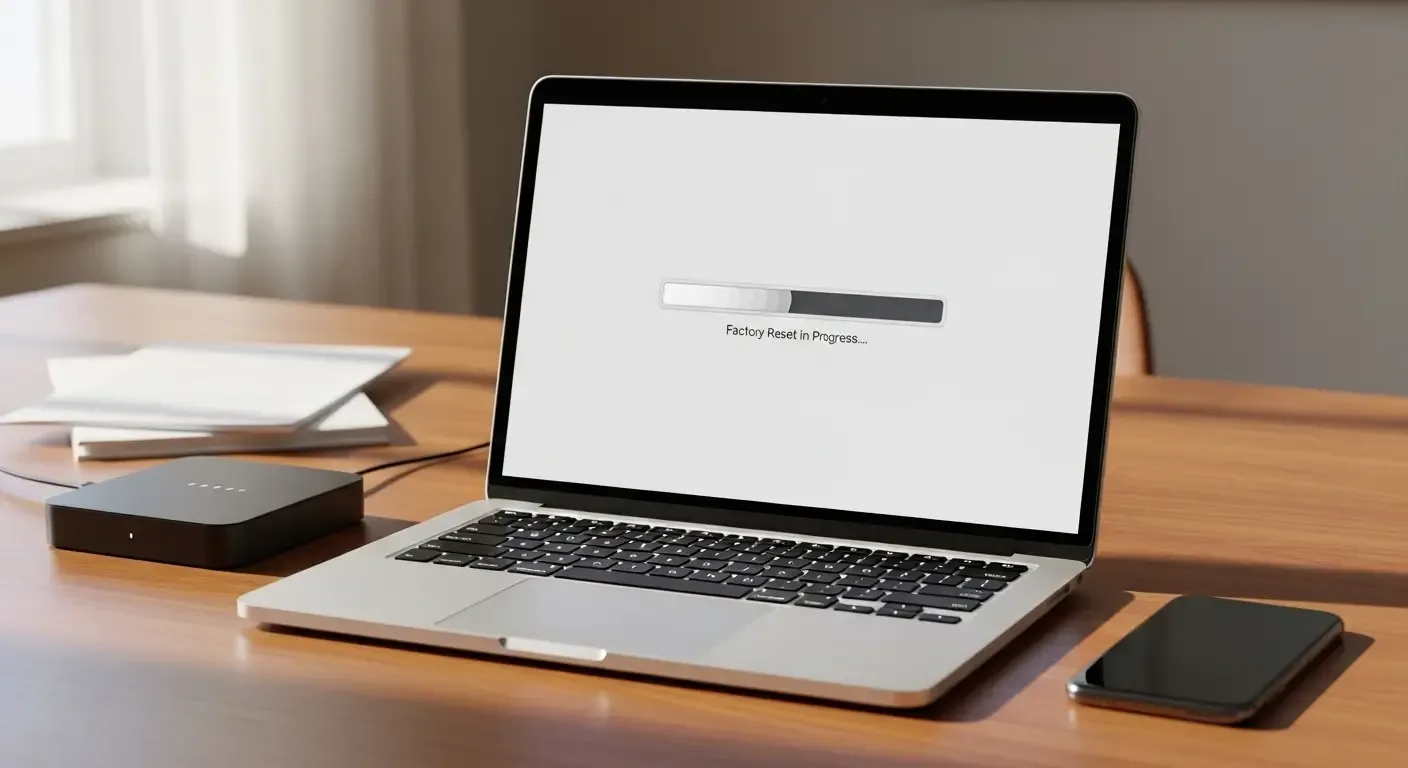
A complete guide to properly wiping your MacBook before selling or passing it on, covering the new Erase All Content and Settings feature as well as Recovery Mode.
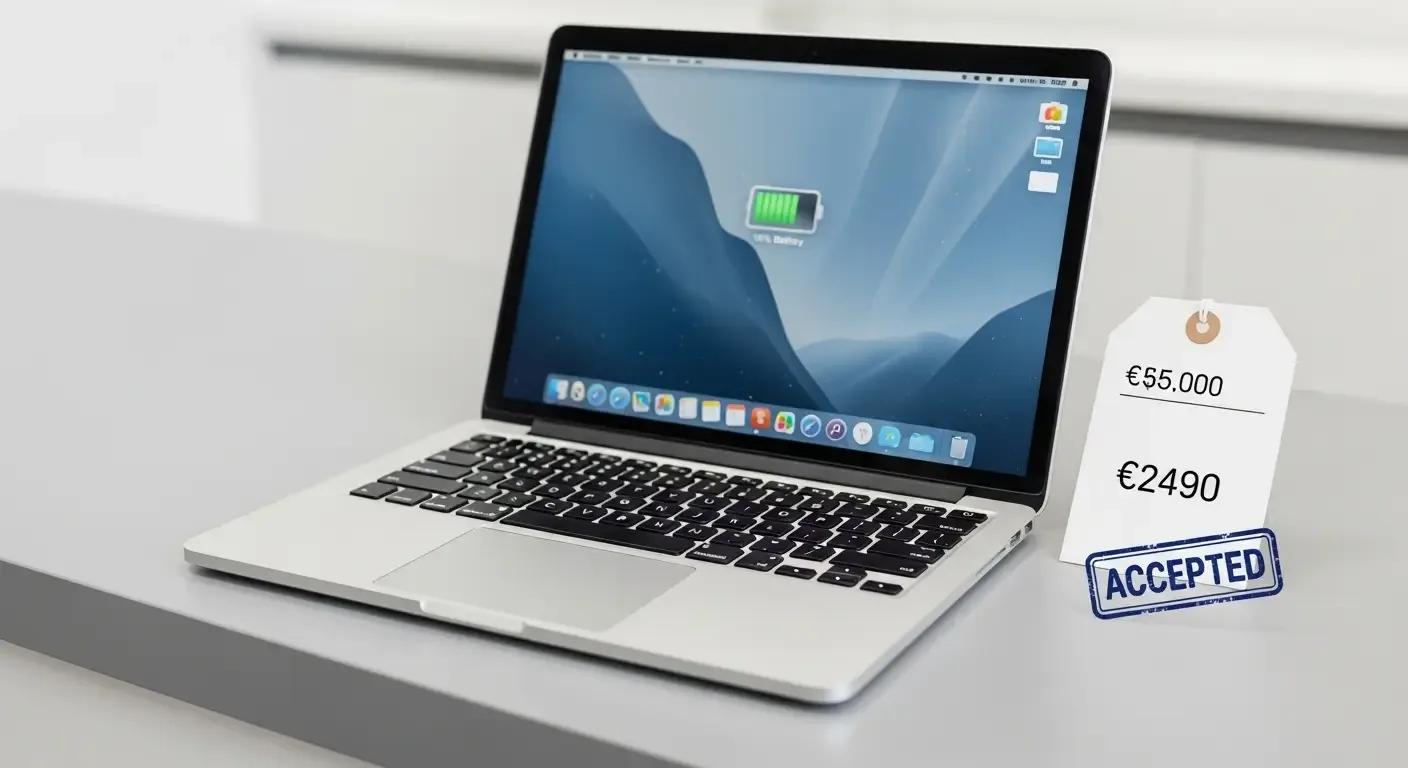
A guide to selling a MacBook with a degraded battery, covering both Intel and Apple Silicon models, price comparison, battery replacement options, and safety precautions.

Learn how to set up and use your Apple Watch to automatically unlock your MacBook. Save time, boost convenience, and stay secure without typing your password every time

Is your MacBook frequently disconnecting from Wi-Fi on its own? Here’s a step-by-step troubleshooting guide to fix the issue and restore a stable connection
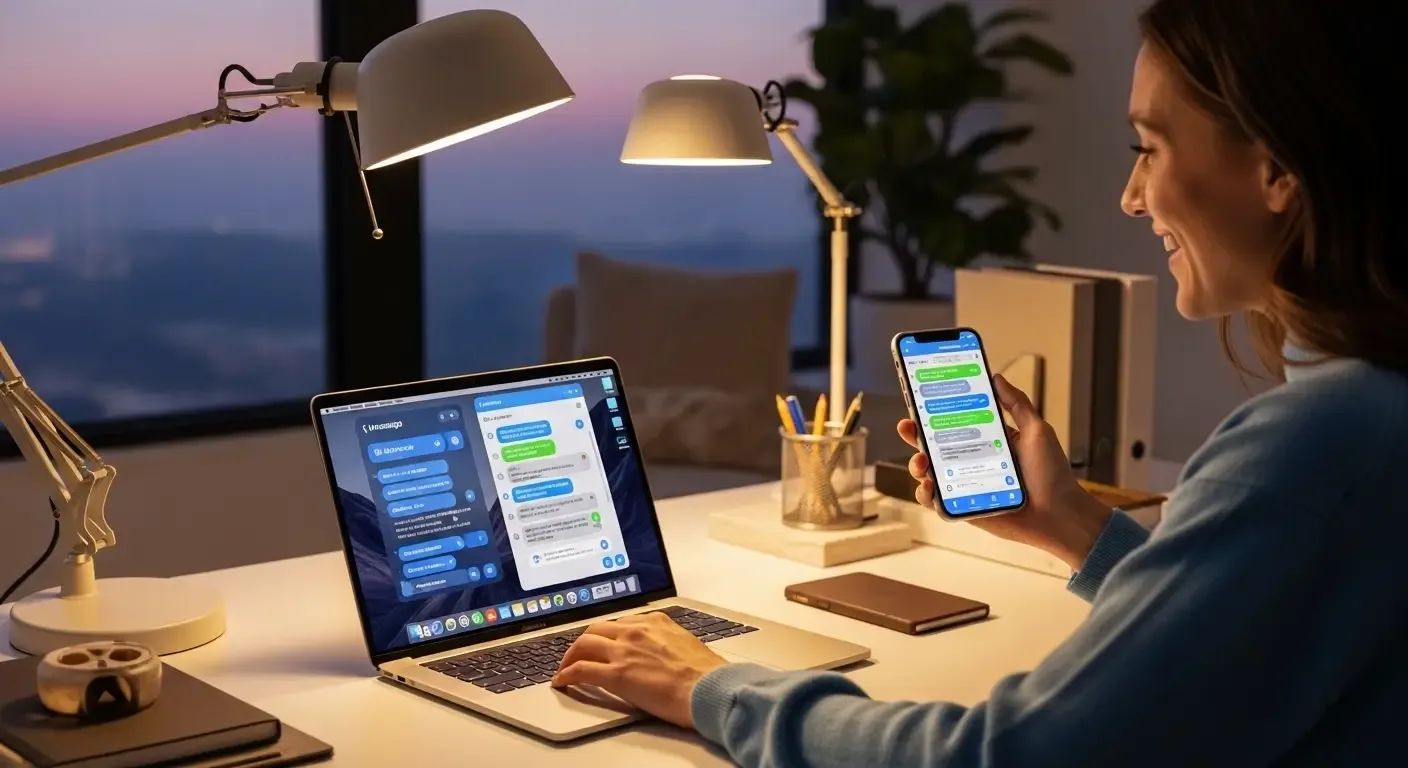
Are your iMessages not syncing between your iPhone and MacBook? Here’s a complete troubleshooting guide to help restore smooth and seamless syncing across your Apple devices