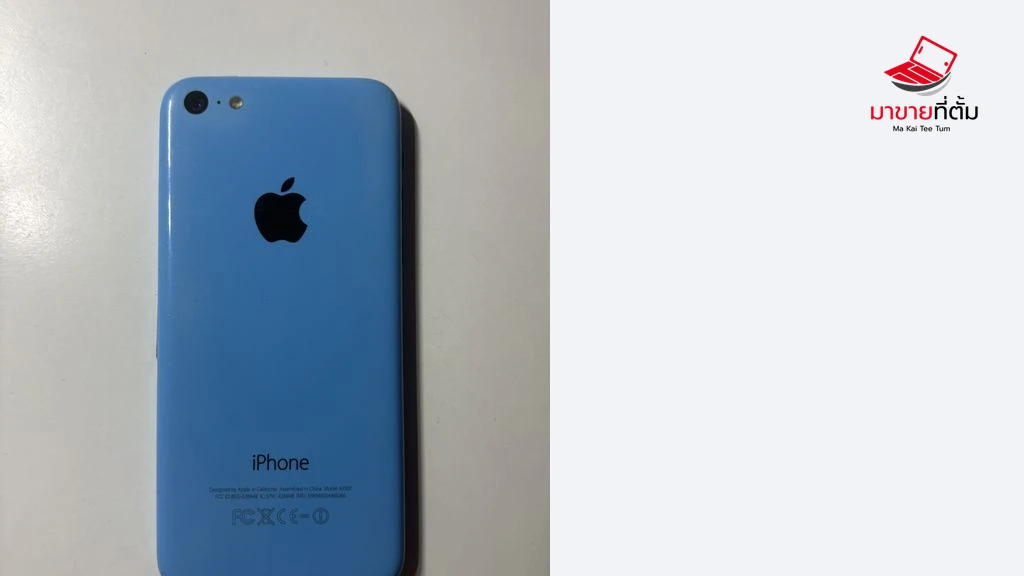
Buying a Used iPhone 5c for Photos: What to Test Before Paying
Test a used iPhone 5c camera, video, battery, Lightning photo transfer and Activation Lock before paying.

Test a used iPhone 5c camera, video, battery, Lightning photo transfer and Activation Lock before paying.

Silent mode and Do Not Disturb should not mute an iPhone alarm. Check the alarm time, selected sound, volume, and whether you are editing a regular alarm or a sleep-schedule wake-up.
If new messages are missing from Mail, check connectivity, credentials, fetch settings, and your email provider before removing the account from your phone.

Try another network, compare multiple websites, and review VPN settings before clearing Safari data. The cause may be one website, one network, or a browser setting.

Waiting for activation or Activation unsuccessful can involve connectivity, date and time, SMS service, or number verification. Check these in order and allow time for activation to complete.
Failed outgoing calls or missed incoming calls can involve cellular coverage, call settings, or your carrier. Work through these checks before resetting saved network settings.
An iPhone may fail to open a PDF because the download is incomplete, the file is damaged, the chosen app lacks support, or storage is low. Compare the same file in another trusted viewer before troubleshooting the phone.
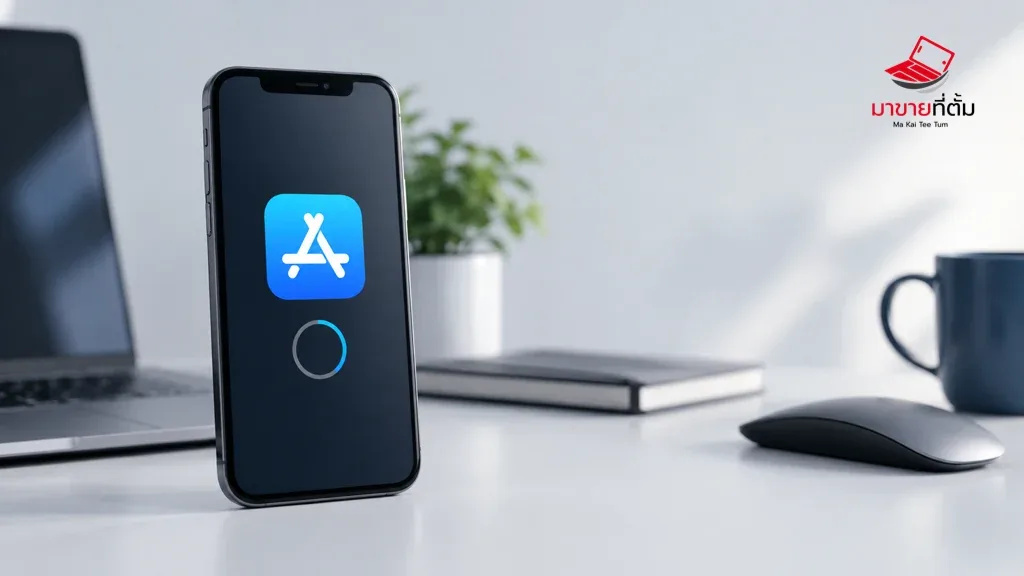
A stuck App Store download can be caused by connectivity, Apple Account billing, Screen Time restrictions, incorrect time settings, or low storage. Test those layers in order instead of repeatedly tapping the download button.
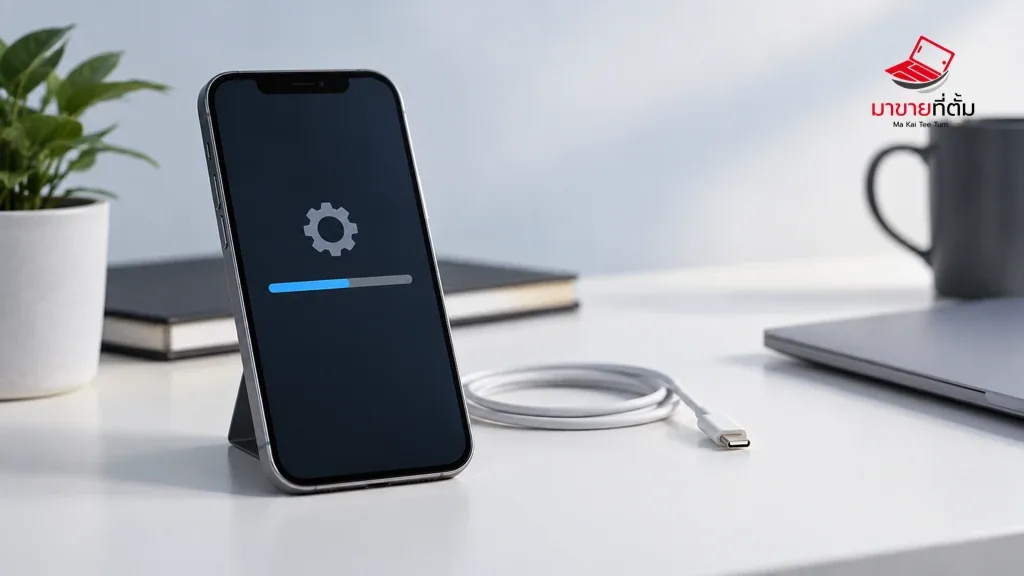
An iOS update may fail because of unstable Wi-Fi, low battery, insufficient storage, a busy update service, or a damaged downloaded update file. Do not interrupt an update while its progress is still moving.

Missing notifications on an iPhone often comes from notification permissions, Focus, Scheduled Summary, sound settings, or an app account rather than a broken phone. Identify whether one app or the entire system is affected.
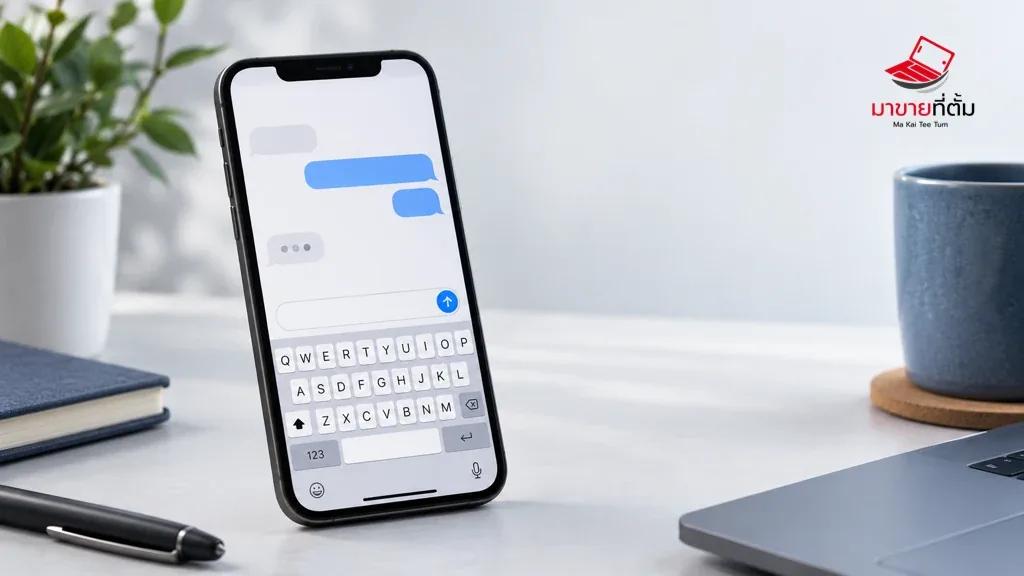
A laggy iPhone keyboard can be caused by a frozen app, low storage, a third-party keyboard, or broader performance trouble. First compare the symptom in more than one app so you do not reset the phone for an app-specific problem.
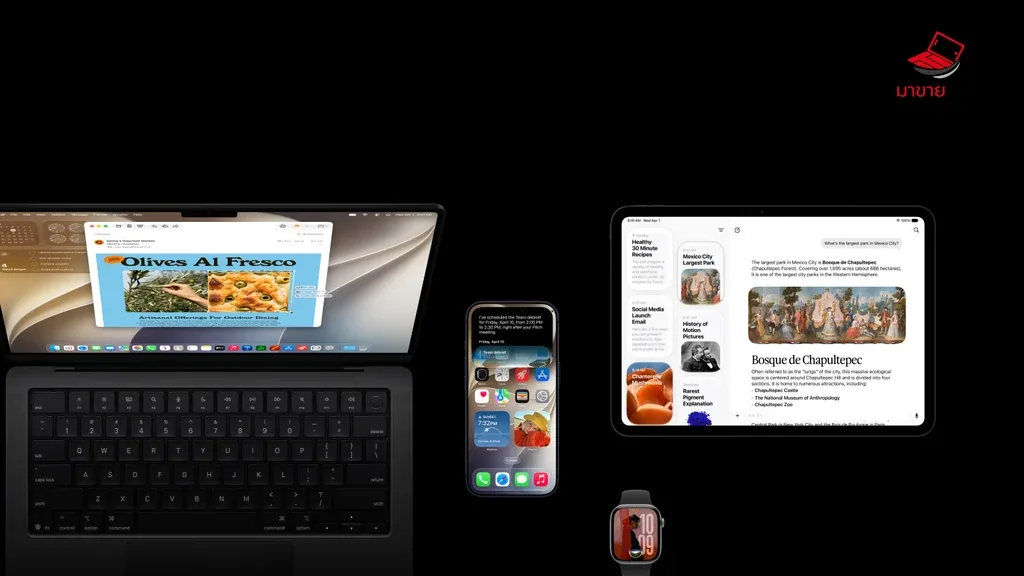
Apple says iOS 27 starts rolling out September 15, 2026. Here is what it can do, what is new and which iPhone models support the update.